18 Chapter 1 Getting Started
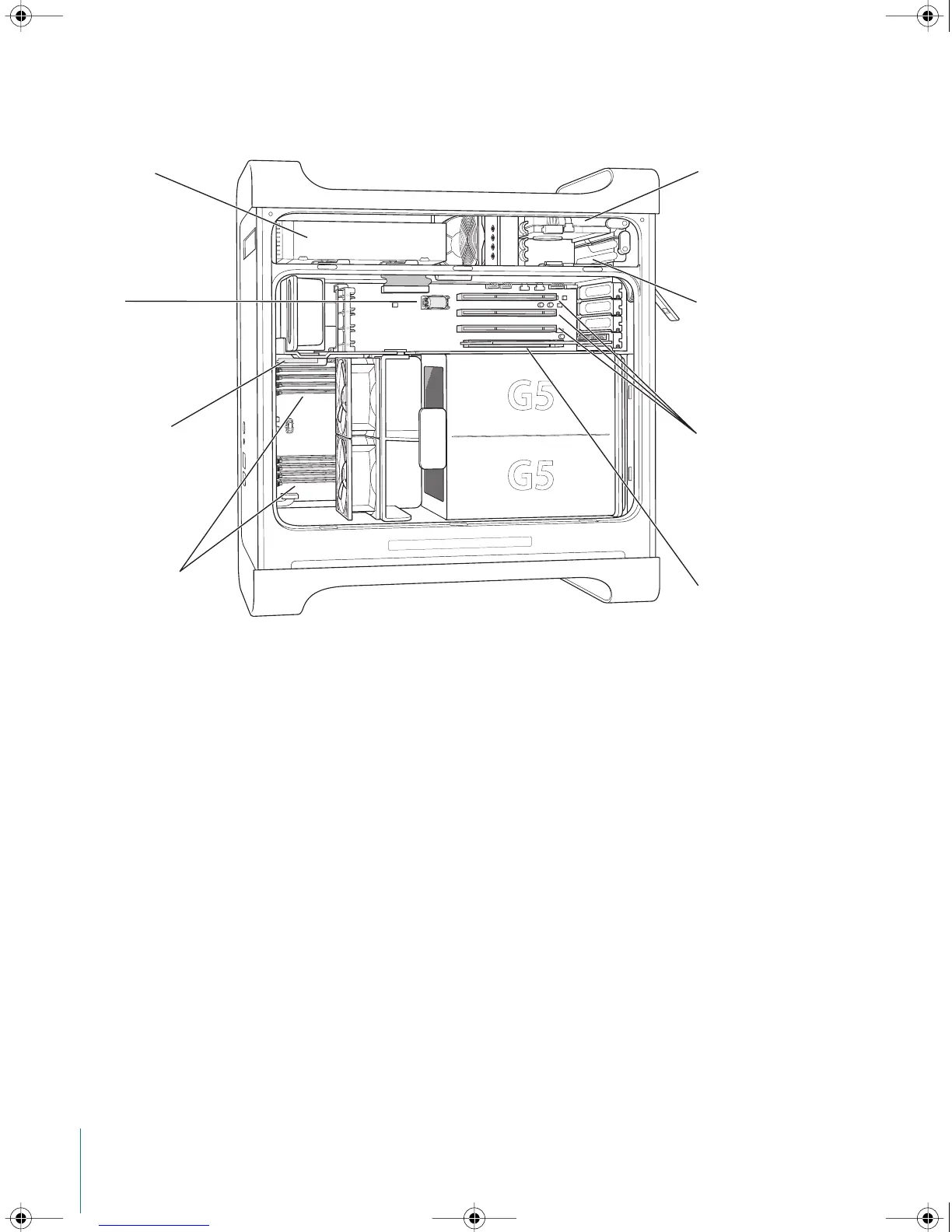
Inside Your Power Mac G5—Your Computer’s Internal Expansion Options
Bottom hard disk drive bay
Top hard disk drive bayOptical drive
Slot 1: AGP 8X Pro slot
(graphics card installed)
DDR SDRAM slots
(either 4 or 8 slots,
depending on model)
Slots 2–4: PCI or PCI-X slots
(depending on model)
Battery
AirPort Extreme
Card connector
LL3218Q87.book Page 18 Wednesday, March 16, 2005 6:28 PM



 To Next Page