6 Chapter 1
Getting Started
Setting Up
Your Power Mac G5 is designed so you can set it up quickly and start using it right
away.
1
Remove any protective film from the outside of your computer and from the inside of
the side panel. For instructions about opening the side panel, see “Opening the
Computer” on page 44.
2
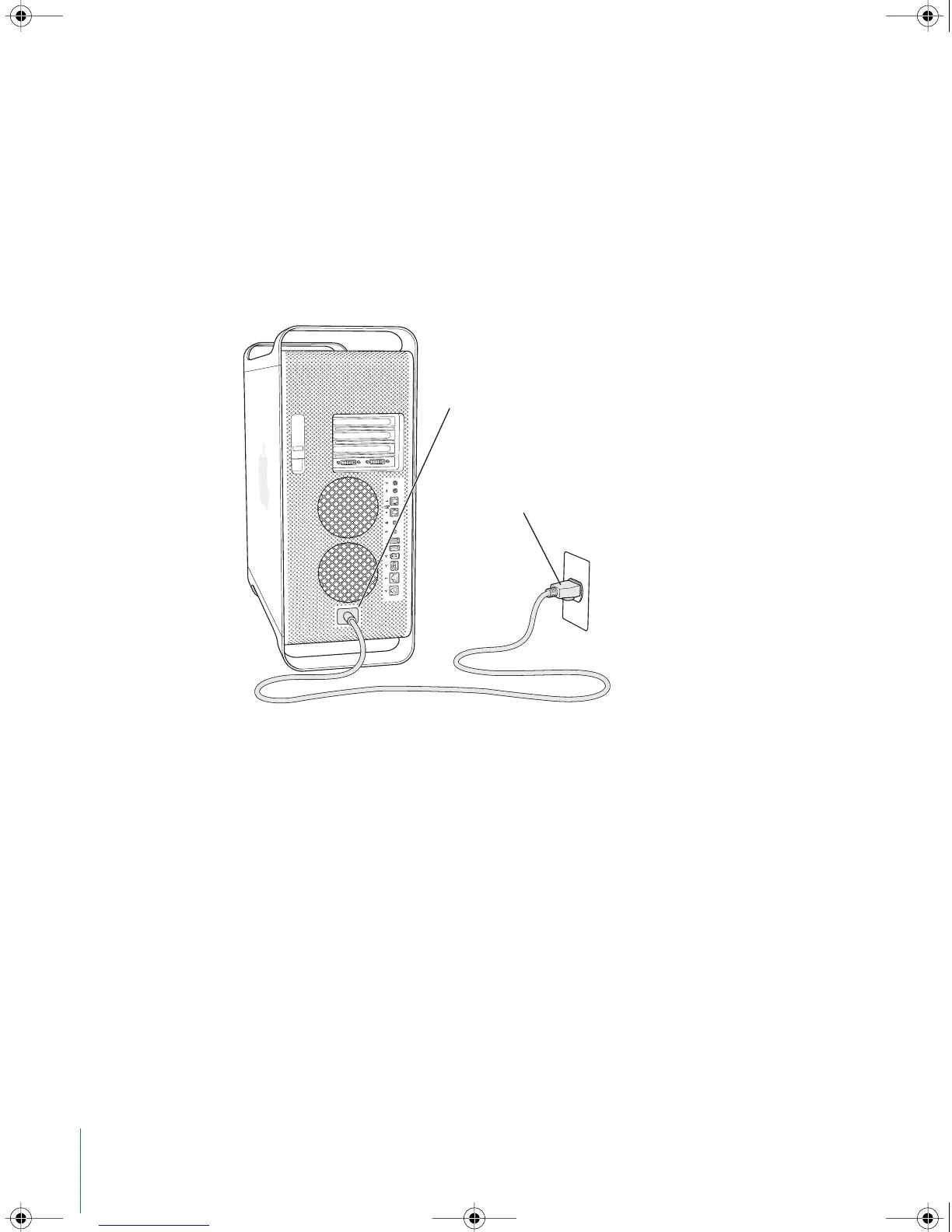
Plug the power cord firmly and completely into the recessed power cord socket on the
back of the computer and plug the other end into a grounded outlet or power strip.
Power cord plug
Power cord socket
LL3218Q87.book Page 6 Wednesday, March 16, 2005 6:28 PM



 To Next Page