Adjustments User Adjustments - 1
User Adjustments
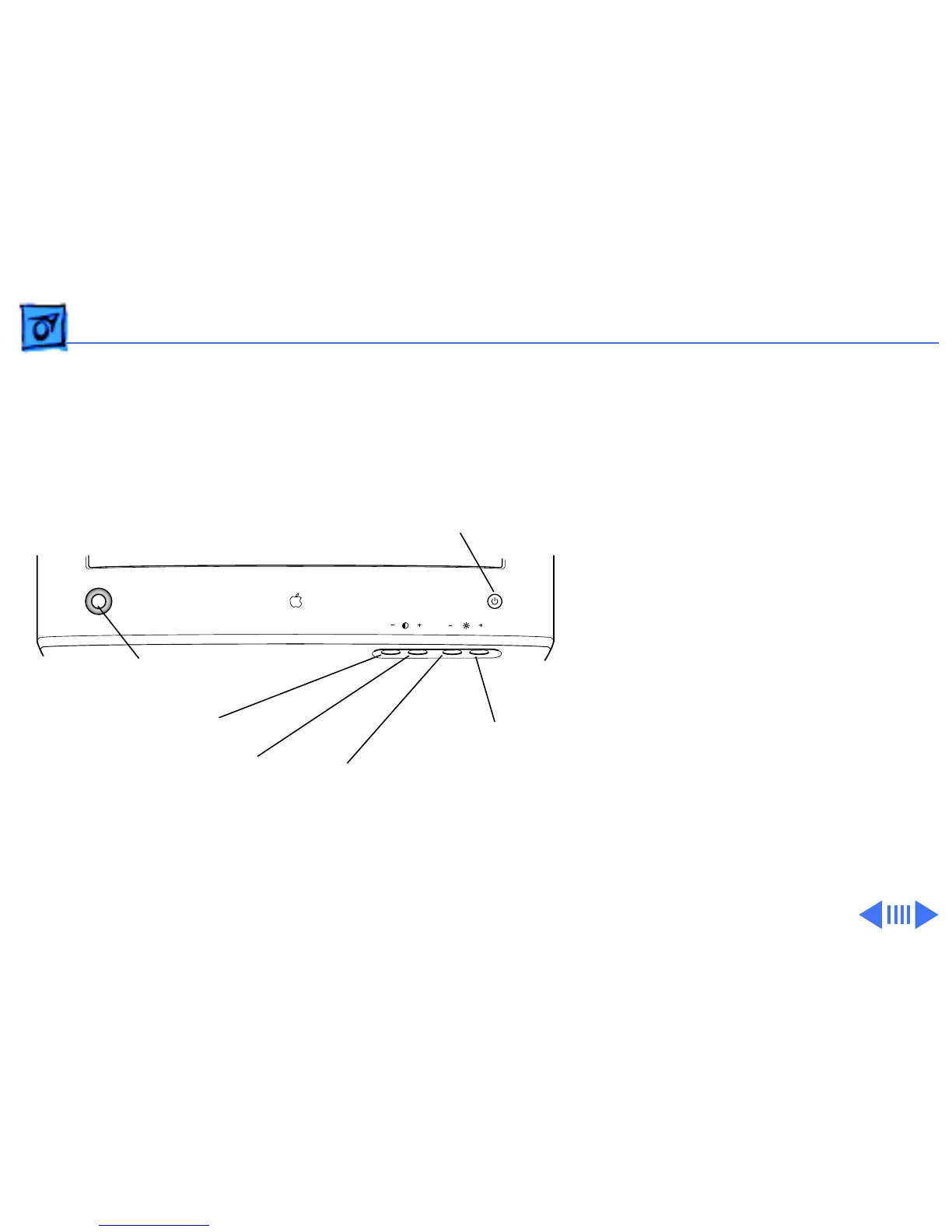
The screen adjustment
controls that are available to
users are the front panel
controls and those controls
accessed by the Monitors &
Sound control panel.
With the front panel
controls, users can adjust
brightness and contrast
levels or use the control
panel launcher button to
open the Monitors & Sound
control panel window.
Power Button
Contrast Decrease Button
Contrast Increase Button
Control Panel Launcher Button
Brightness Decrease Button
Brightness Increase Button



 To Next Page