Adjustments User Adjustments - 2
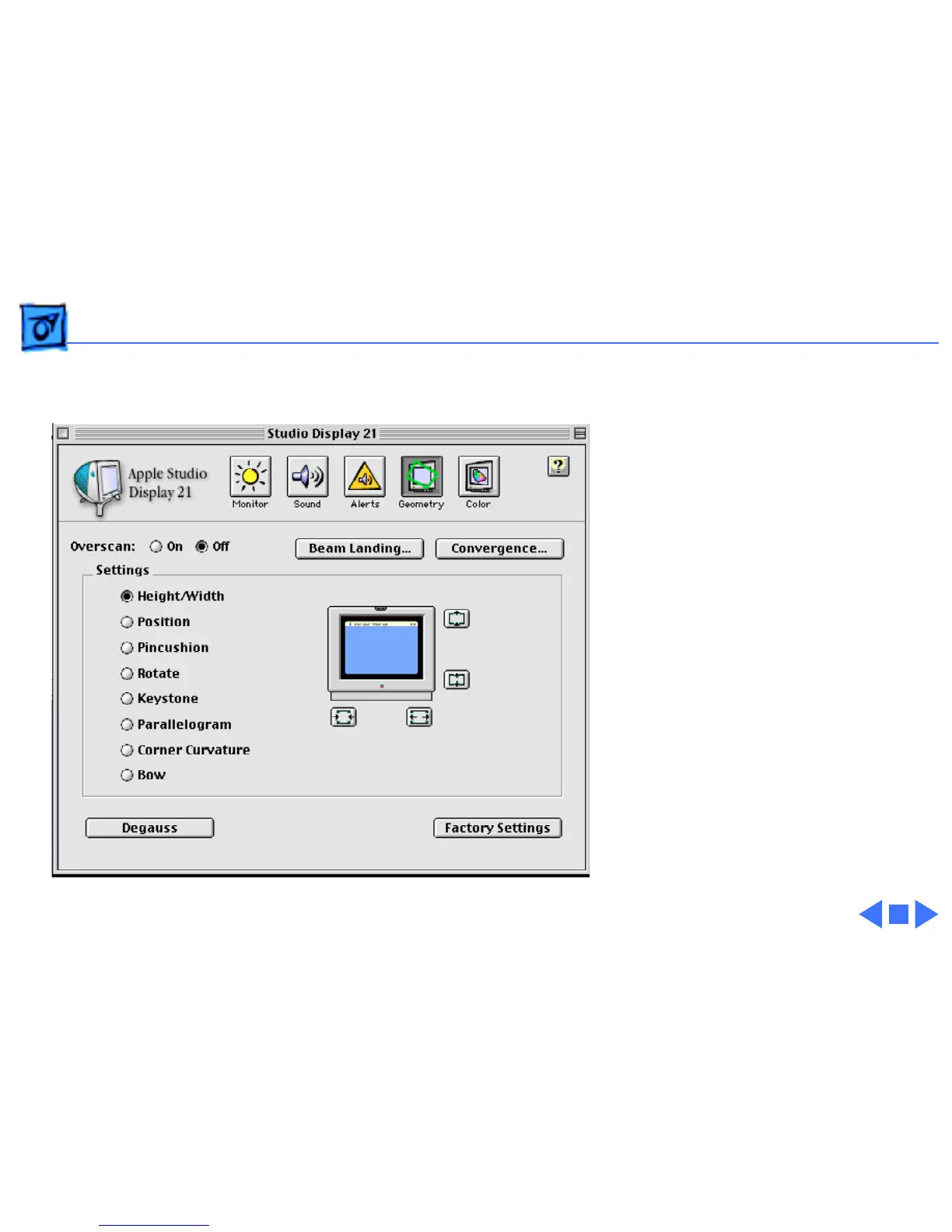
Once the Apple Displays
Software is installed on the
Mac OS computer, users can
use the Monitors & Sound
control panel to optimize the
display screen. Within
Monitors & Sound, users can
adjust color and geometry
controls.
For more information, see
Mac OS Help (Mac OS 8.5)
or Monitors & Sound Help,
available when the Monitors
& Sound control panel is
active (Mac OS 8 or 8.1).



 To Next Page