8 -
Studio Display (17" ADC) Take Apart
Monitor Stand
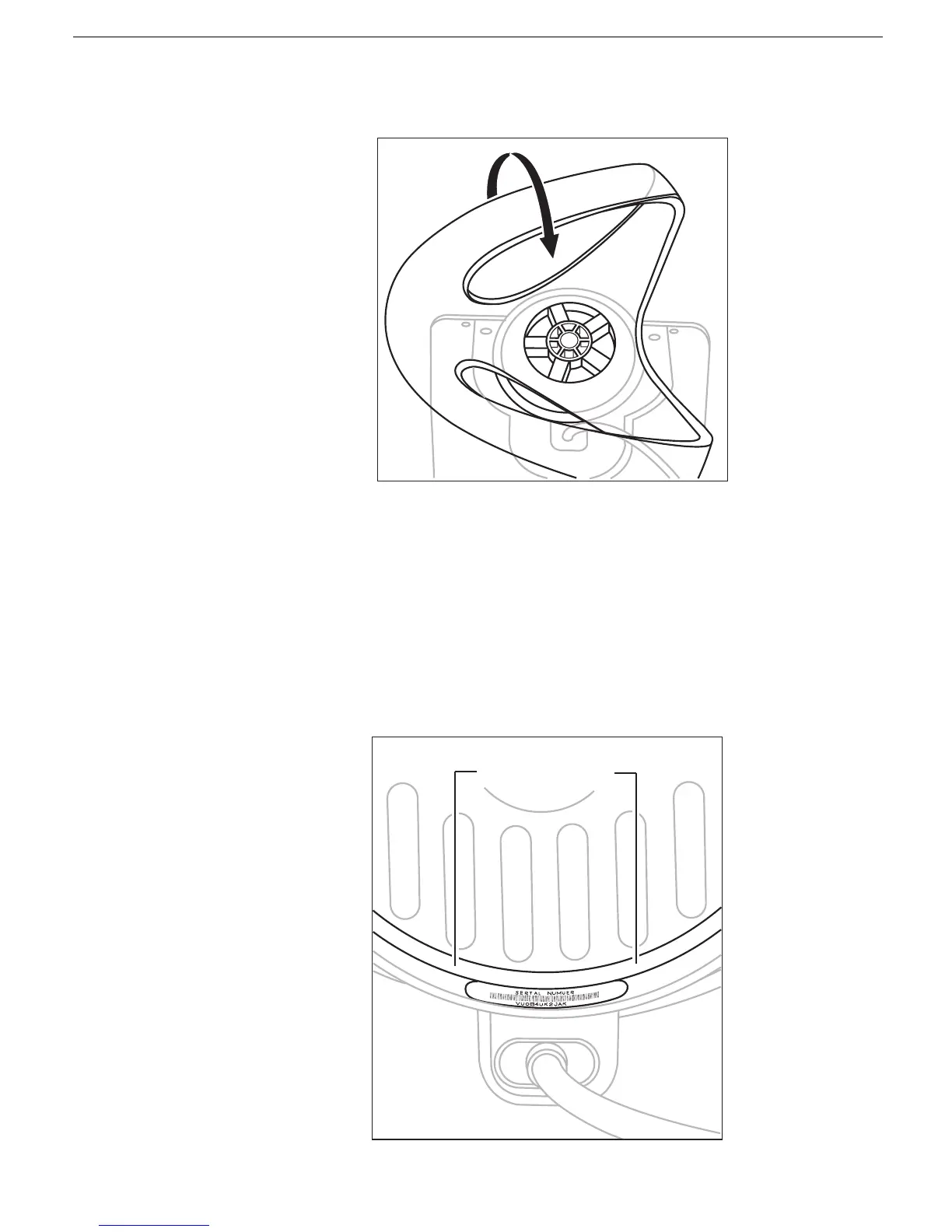
8. With the tabs aligned, gently pull the stand toward you. Then tilt the stand up off the
base.
Positioning the Plastic Rings
After you remove the monitor stand, two plastic rings should remain on the base. These
rings are fitted in a special orientation so the replacement stand will fit properly. However,
if the rings are dislodged, replace them as follows:
1. Place the white plastic ring on the base so that you can still read the words "Serial
Number" when the ring is slid all the way down. Turn the ring over if the words are not
visible
White Ring
Correctly Installed



 To Next Page