Studio Display (17" ADC) Take Apart -
9
Monitor Stand
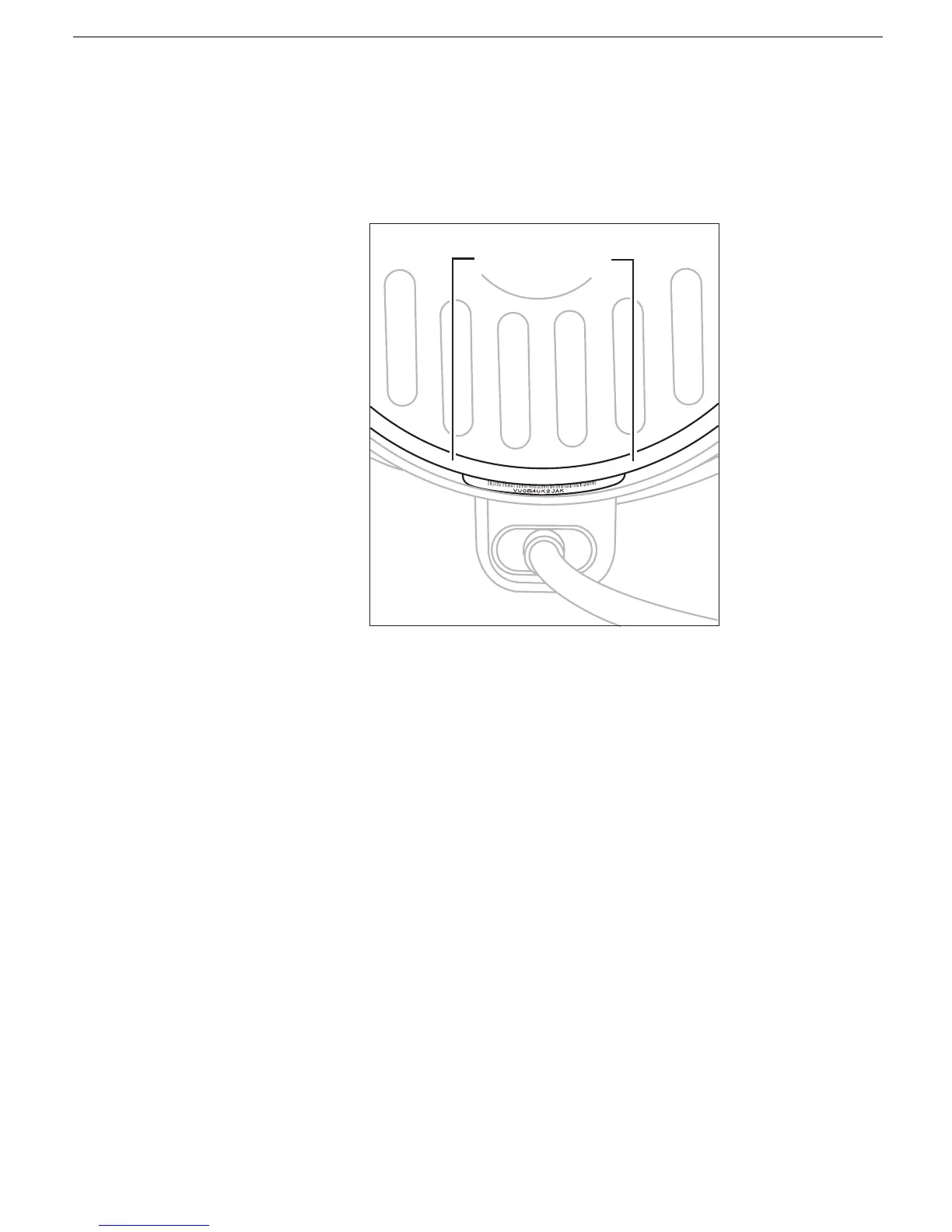
2. Place the clear plastic ring over the white ring so that the white ring fits inside the clear
ring.
3. Check that the rings are properly aligned. They should easily slide in unison, and
when they are close to the serial number label, you should be able to see the serial
number bar code but not be able to clearly see the words "Serial Number."



 To Next Page