Studio Display (17" ADC) Take Apart -
29
Deflection Board and Mount Assembly
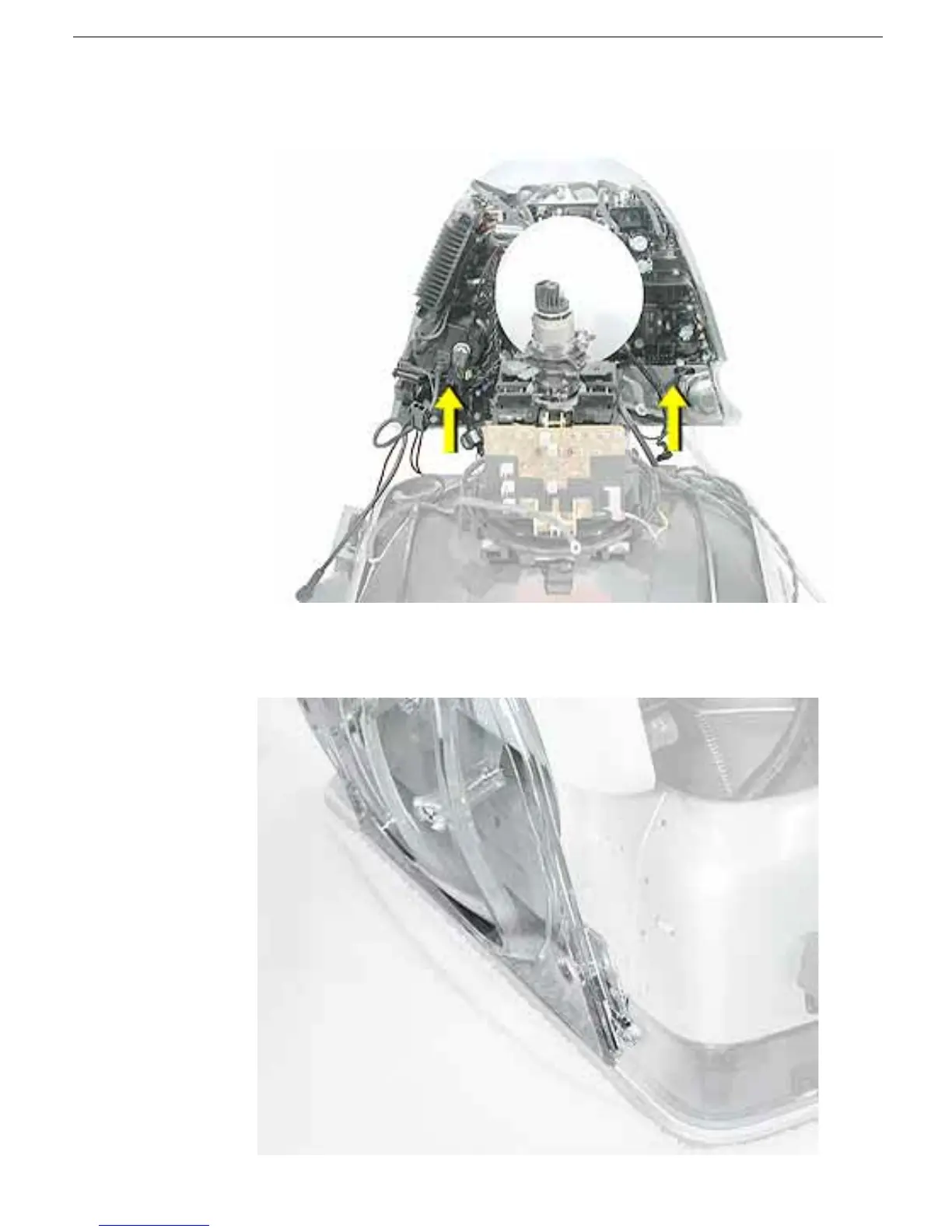
11. Remove the deflection board and mount assembly from the CRT and place it on the
workbench.
Replacement Note:
When replacing the deflection board and mount assembly on the
CRT, place the edge of the stand tilt base in the bezel channel as shown below.



 To Next Page