6 -
Studio Display (17" ADC) Take Apart
Monitor Stand
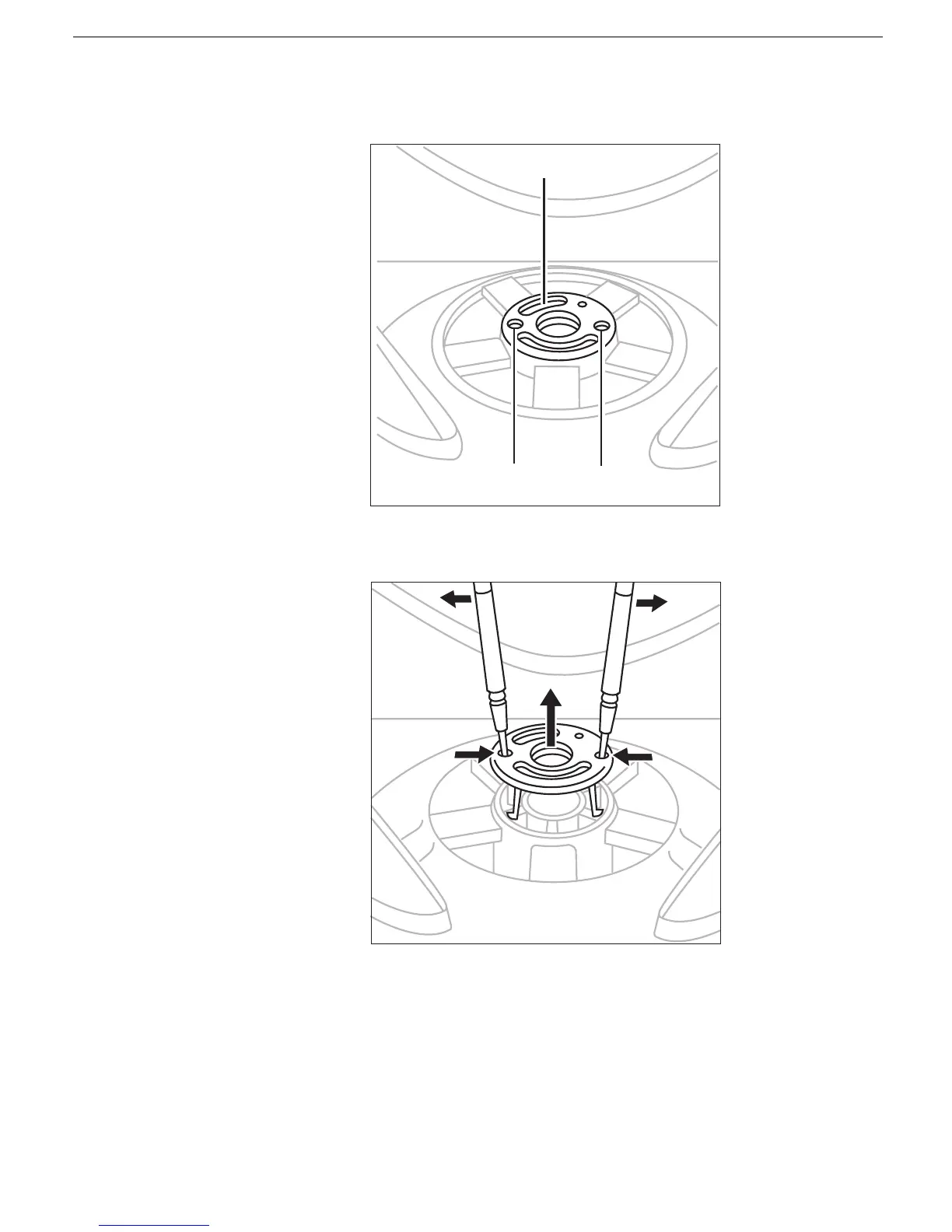
4. In the center of the monitor stand, locate the two identical round openings in the
retaining clip.
5. Using two jeweler’s flat-blade screwdrivers, place one in each of the round openings
and gently pry up the retaining clip until it is out of the monitor stand.
Warning: If any tools or parts drop into the monitor, do not turn on the monitor.
Contact Apple for further assistance. Never turn on your monitor unless all of
its internal and external parts are in place and it is closed. Operating the
monitor when it is open or missing parts can damage your monitor or cause
injury.
Retaining Clip
Round Openings



 To Next Page