Studio Display (17" ADC) Take Apart -
5
Monitor Stand
Removing the Monitor Stand
1. Warning: Turn off your computer and disconnect the display cable as follows:
• Unplug the display cable from the computer.
• Wait five minutes for the computer’s internal components to cool down.
2.
Warning:
The monitor weighs 20 kg (45 pounds). Be careful when repositioning the
monitor.
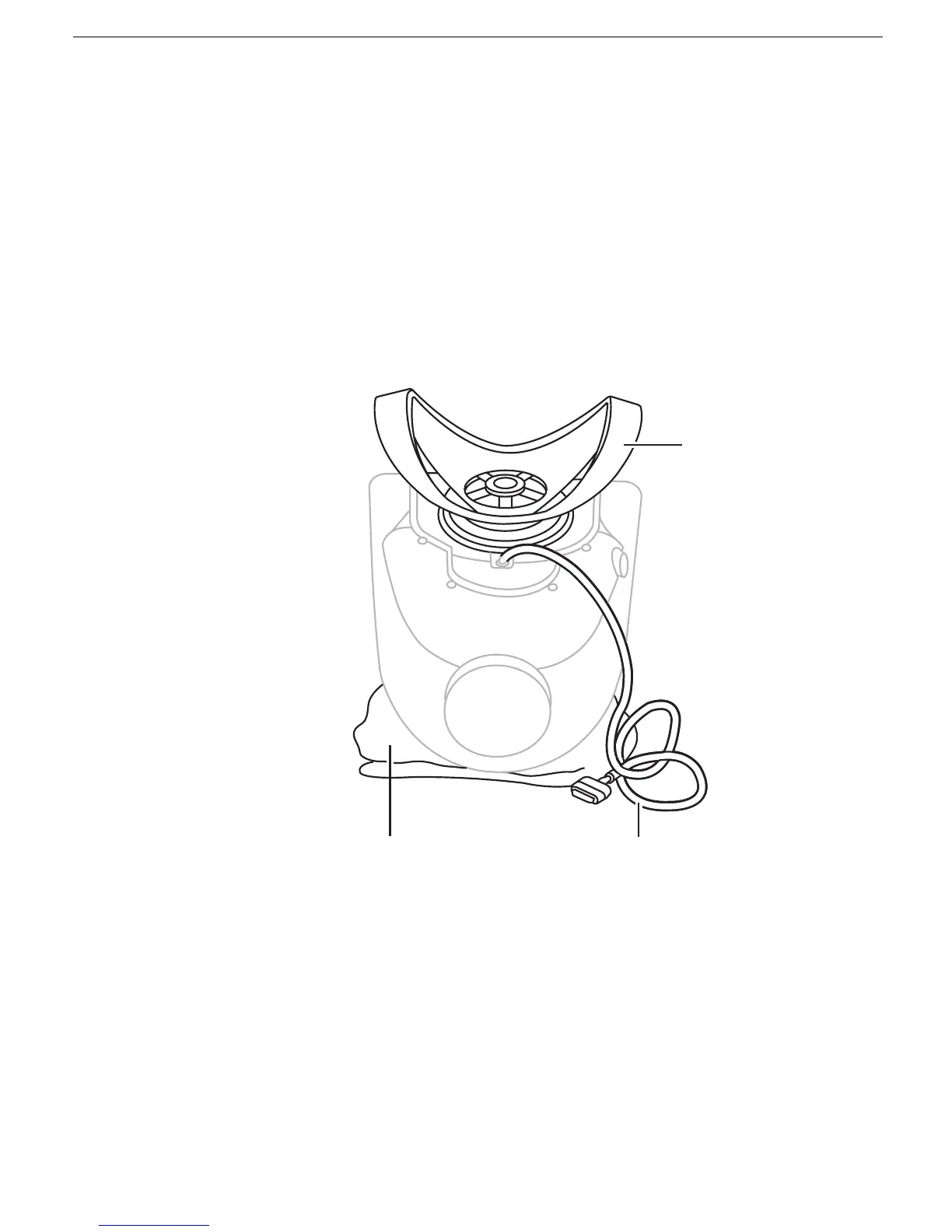
Use a thick, soft, clean cloth (such as a folded blanket or towel) as a cushion. Place
the monitor upside down on the cloth so the screen is away from you and the monitor
stand is in front of you.
3. Slide the monitor stand toward the display cable.
Monitor
Stand
Cloth
Display Cable



 To Next Page