EasyManua.ls Logo

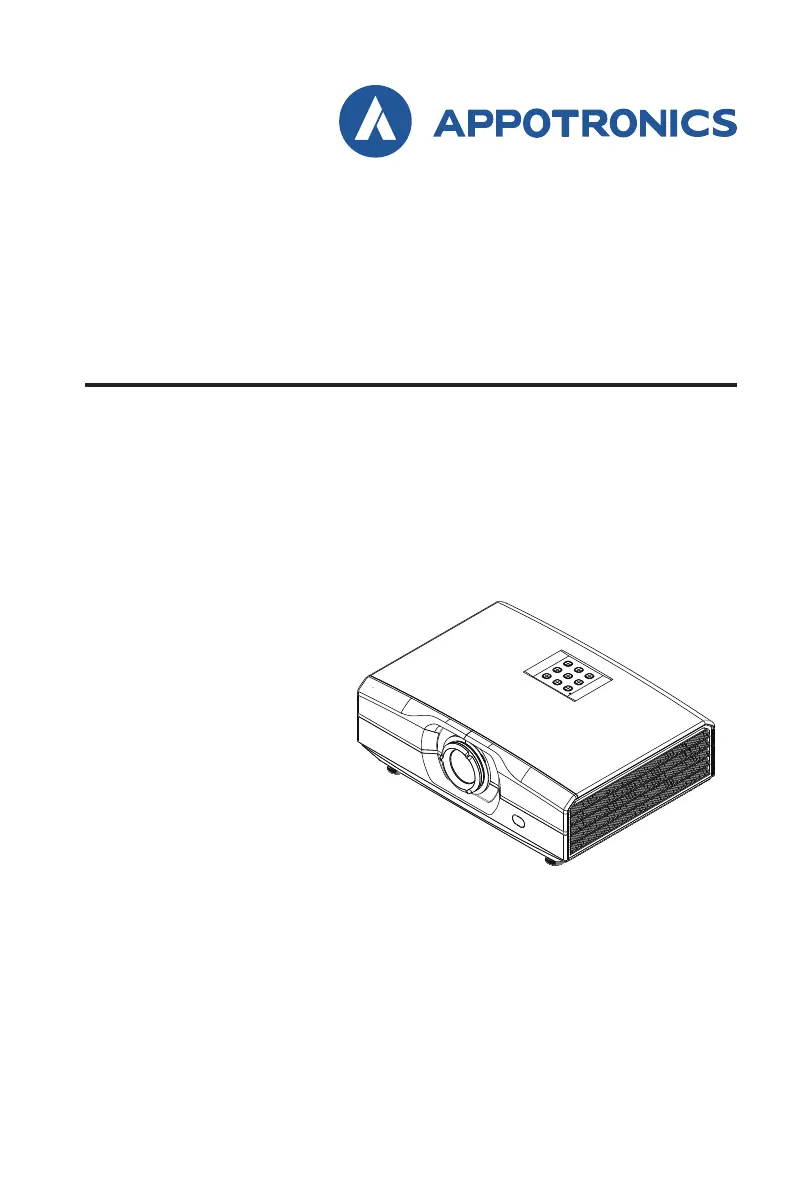
Appotronics Business Series - User Manual

Appotronics Business Series
39 pages
Print Icon
To Next Page IconTo Next Page
Loading...
User Manual
Laser Projector - Business Series
- Please read this manual carefully before using this equipment and keep it for future reference.
- Please read "Important Safety Instructions" carefully before using this product.

Questions and Answers

  • J
    juliadavisAug 4, 2025
    What to do if my Appotronics Projector shows no picture?
    • A
      Aaron WilliamsonAug 4, 2025
      If your Appotronics Projector isn't displaying a picture, several factors could be at play. First, ensure that the video signal source is enabled and correctly connected. Verify the connection between the projector and the input signal device. Finally, make sure that you have selected the correct input signal source using the signal source key on the projector or remote control.
  • J
    jamesortizAug 9, 2025
    How to fix Appotronics Projector remote control that fails to work?
    • D
      Dawn FryeAug 9, 2025
      If your Appotronics Projector's remote control isn't working, try these steps: Replace the battery. Ensure there are no obstacles between the remote control and the projector. Make sure that you are no further than 5 m (16 inches) from the projector.
  • J
    Joseph WilliamsAug 15, 2025
    How to fix a fuzzy picture on my Appotronics Projector?
    • D
      destiny60Aug 15, 2025
      If the picture on your Appotronics Projector appears fuzzy, it might not be accurately aligned with the screen. Adjust the projection angle and direction. If needed, adjust the projector's height or distance.
  • U
    ucolemanAug 22, 2025
    What to do if my Appotronics Projector fails to power on?
    • A
      annefrazierAug 22, 2025
      If your Appotronics Projector isn't powering on, make sure the power cable is properly connected. Insert one end of the power cable into the AC port on the projector and the other end into the electrical outlet. If the outlet has a switch, ensure it is turned on.
  • J
    Julia SanchezAug 28, 2025
    Why is the picture deformed on my Appotronics Projector?
    • B
      barnesbradleyAug 28, 2025
      If the picture from your Appotronics Projector is deformed, it could be due to the screen surface. It's recommended to use professional screens such as a digital board for optimal results.

Summary

Declaration

Repair

Details on product warranty, repair obligations, and service conditions.

Important Safety Instructions

General Safety Instructions

Fundamental rules for safe operation, installation, and maintenance.

Installation

Device Connection

Operation

Powering On the Projector

Steps to turn on the projector and initial setup procedures.

Projector Maintenance

Troubleshooting

Projector Power Issues

Solutions for cases where the projector fails to power on.

No Picture Issues

Troubleshooting steps for situations with no image display.

Picture Quality Issues

Resolving problems related to fuzzy or deformed picture output.

Appotronics Business Series Specifications

General IconGeneral
BrandAppotronics
ModelBusiness Series
CategoryProjector
LanguageEnglish

Related product manuals