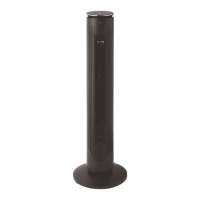
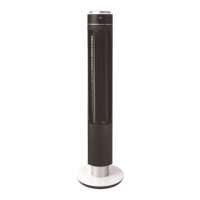
How to Use Your Fan
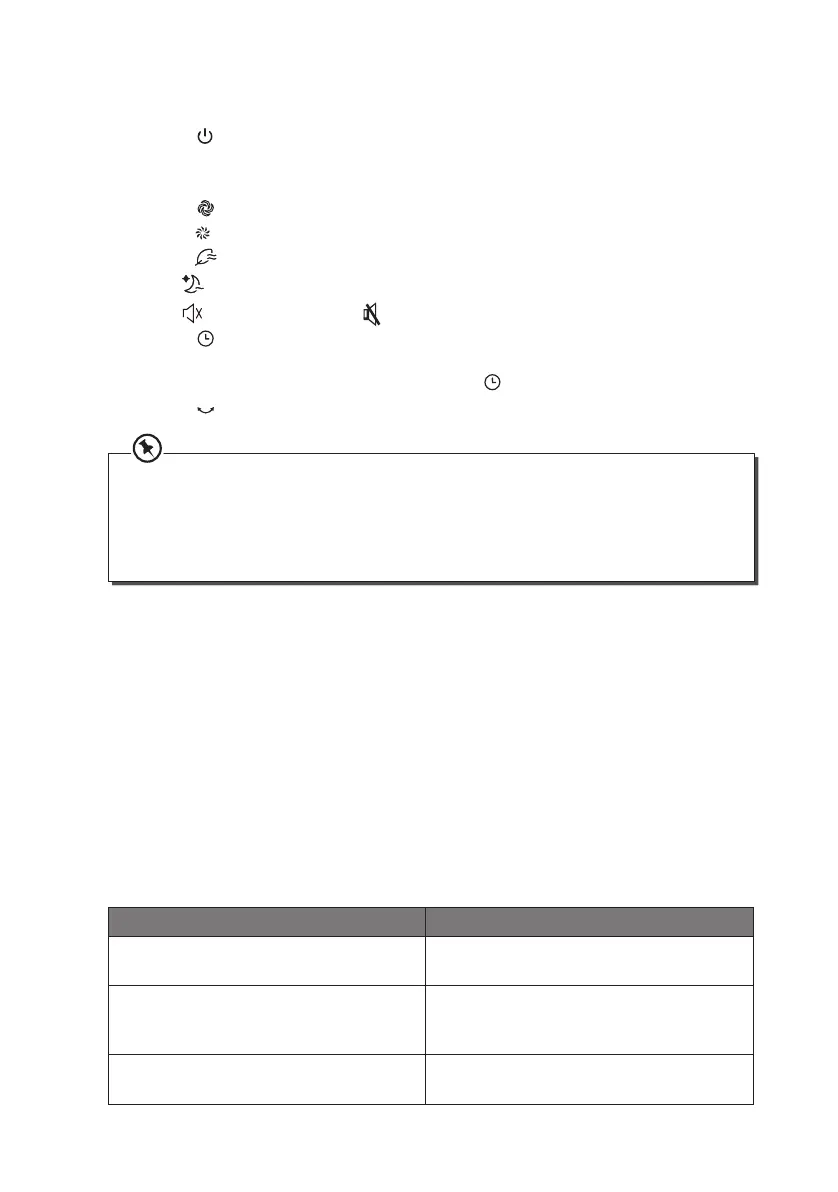
• Press the button to turn the tower fan on or o.
• Press the “+”, “-” buttons on the main unit to adjust the fan speed. There are 12 speed
settings (1 - Lowest, 12 - Highest).
• Press the
button repeatedly to select dierent fan modes:
- Normal
: can set from 1 to 12 level
- Natural
: simulate natural wind
- Sleep
: steady and slow speed
- Silent
: slow speed (Press the button on the remote control)
• Press the
button then press “+”, “-” to set power-on time (when the fan is in standby)
and power-o time (when the fan is on). You can set the power-on or power-o time
from 0.5 to 12 hours. To cancel the set timer, press
.
• Press the
button to allow or stop the fan from swinging left and right.
Cleaning
Unplug the unit from the mains socket.
Use a slightly damp cloth to wipe the outer body of the unit. Never completely cover the
unit with water or use chemicals or detergents as they could damage the unit.
To ensure adequate air circulation to the motor, keep vents at the rear of the motor free of
dust. Do not disassemble the fan for cleaning.
Hints and Tips
Problem Solution
The force of air coming from the unit is
weak.
Adjust the speed up to a higher setting.
The unit does not work. Check that the plug is connected correctly
and that the unit is turned on at the mains
supply.
Other abnormal conditions. Disconnect the fan from the wall and
consult a repair specialist.
• When using the remote control, make sure it is pointed towards the fan.
• Fan speed cannot be adjusted when in Sleep, Natural and Silent mode.
• The fan will auto-o after operating non-stop for over 12 hours.
• In case the rear grille is removed, the fan will not operate; it will automatically stop
during operation.
STFDCB19E_IB_5L_190131_grace.indd 14 31/1/19 6:52 pm


 To Next Page