3. Using the Sidus Link® APP
You can download the Sidus Link® app from the iOS App Store or Google Play Store for
enhancing the functionality of the light. Please visit Sidus.link/app/help for moredetails
regarding how to use the app to control your Aputure® lights.
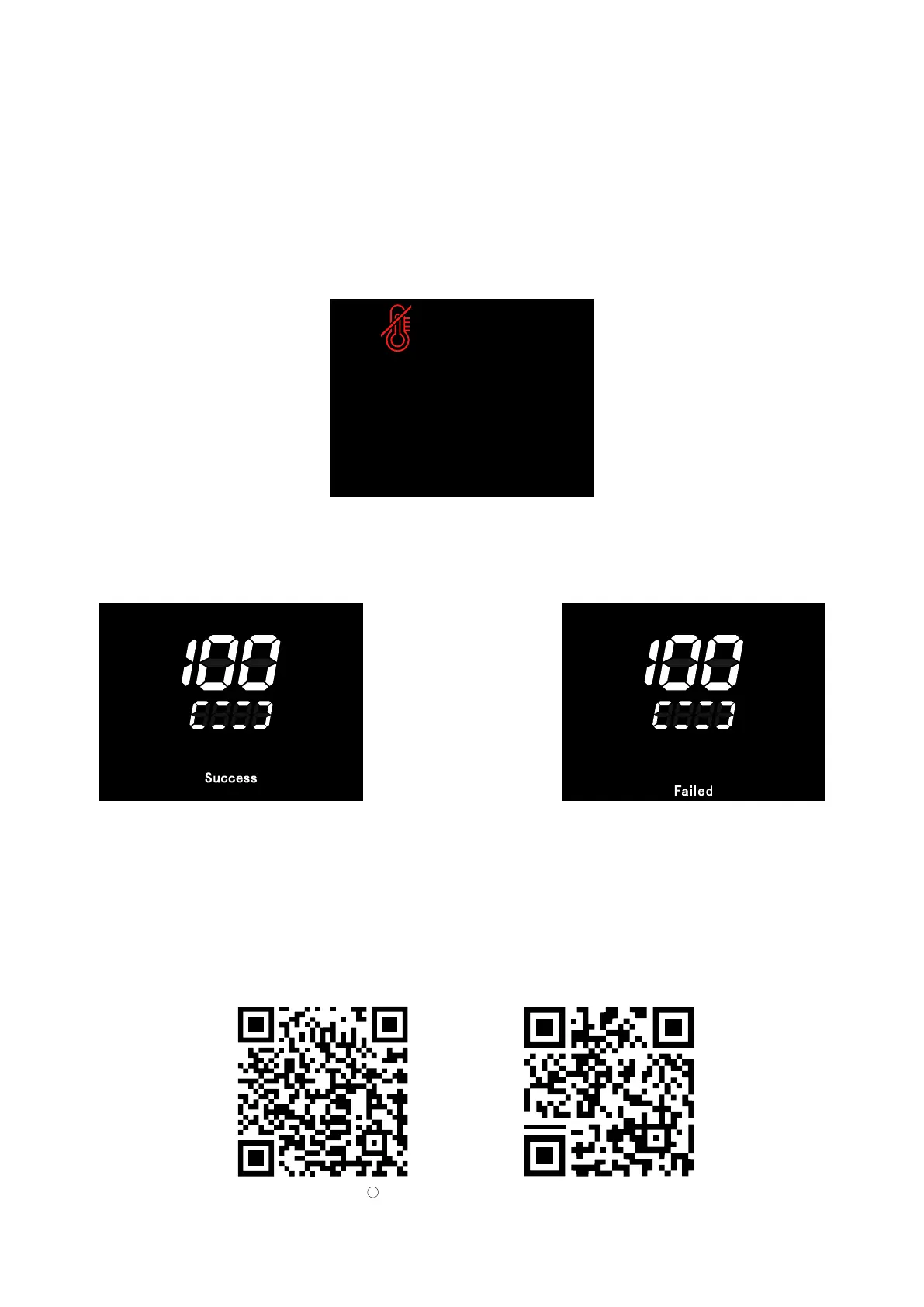
2.4 Over temperature protection
When the internal temperature of the lamp reaches the threshold value that needs to be cooled, the
lamp control interface will display the over-temperature symbol, and the lamp will be turned off and
the fan will be turned off after 5 seconds. The over-temperature protection interface is always
displayed, and no operation can be performed at this time. Only when the power is turned on again
can it return to normal.
2.5 Update
Firmware updates can be updated online via the Sidus Link® app for OTA updates.
5.After resetting the light's Bluetooth connection, your mobile phone or tablet will be able to connect
to and control the light.
Sidus.link/app/help
Get Sidus Link
R
App
09
Success Failed










 To Next Page