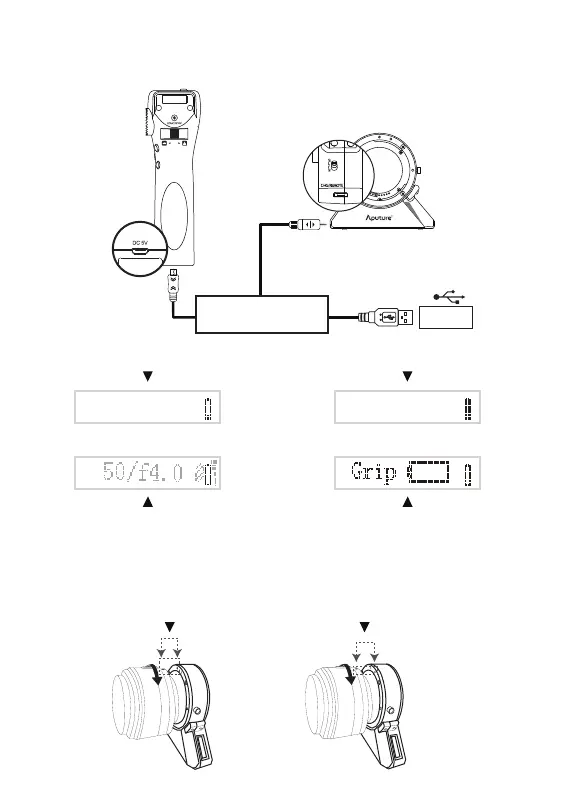
5V/1A
Align the dierent dots on the adapter and lens and turn the lens by the arrow until it snaps into place.
-5-
Charge & Update
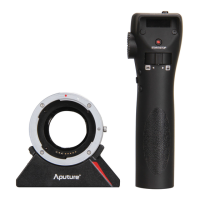
Charge the grip and the adapter by connecting to a USB cable (the Charge & Update cable support),
which should be attached to an AC adapter (5V 1A).
The battery icon will blink while charging When this icon shows, that means the battery is
fully charged.
2. Charging the adapter and grip
Canon EF mount lens (red dot) Canon EF-S mount lens (white dot)
3. Attaching a lens and a camera
* The grip will blink as follows:
Showing low battery of the adapter
(the same display appears on the adapter)
Showing low battery of the grip
(without display on the adapter)


 To Next Page