-7-
5. Power on
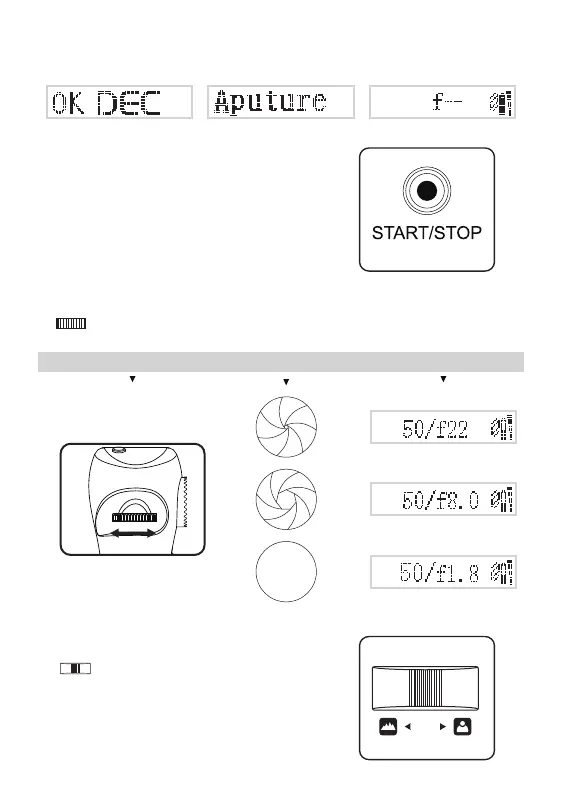
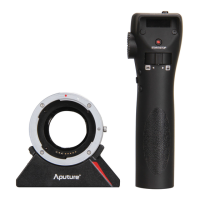
Power on the adapter and grip, the OLEDs will display the same as the picture below.
7. Adjusting the aperture
8. Speed changeable focus pull
6. Starting/Stopping recording
By pressing <Start/Stop>, you can start or stop the video
recording.
Aperture wheel Aperture
Display
Dial < > to set your desired aperture in every 1/3 EV steps. Left for the minimum and right for the
maximum. The OLED screens on both adapter and grip will display the f value.
Dial < > to move the focus. Turn left to move the focus
faraway and right for closer. The more you move the focus shifter,
the faster the focus change will be.
MaxMin


 To Next Page