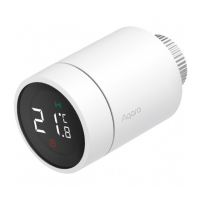
Low battery
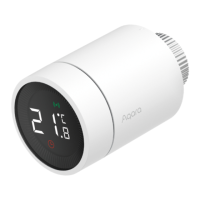
Set temperature
Window-open detection
Intelligent schedule
Manual mode
Installation
Networking
Child lock
In case of low battery. Replace the batteries as soon as possible.
Display the set temperature.
When the window-open detection function is activated.
When the intelligent schedule function is activated.
When the thermostat is in manual mode.
When the thermostat is in installation status.
Status of networking:
*Icon normally on: normal network connection
*Icon off: offline/disconnected.
To prevent children from touching by mistake, long press
for 3 seconds to enable or disable the function.
Temperature control fault
In case of abnormal temperature control. Refer to the
"Troubleshooting" in the manual for troubleshooting.
-07-


 To Next Page