Quick Setup
Adding the Device to the Aqara Home app:
Before using the product, please ensure that the Aqara Home app has
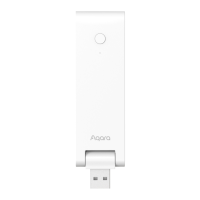
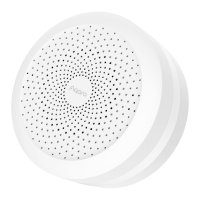
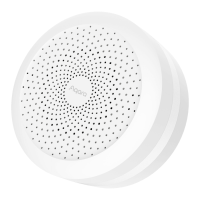
been downloaded and an Aqara Zigbee 3.0 hub has been installed.
Start the app, click "+" in the upper-right corner of the home page to enter
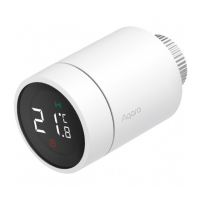
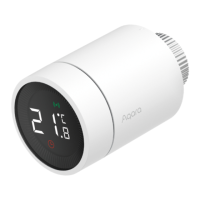
the "Add Device (Accessories)" page, select "Smart Radiator Thermostat
E1", and operate according to the prompts on the page.
Effective distance verification: aer the successful network configuration,
adjust the thermostat at the preselected installation position and observe
whether the status in the app is synchronized.
* If the device is not added, please move it closer to the hub and try again.
1
2
-16-


 To Next Page