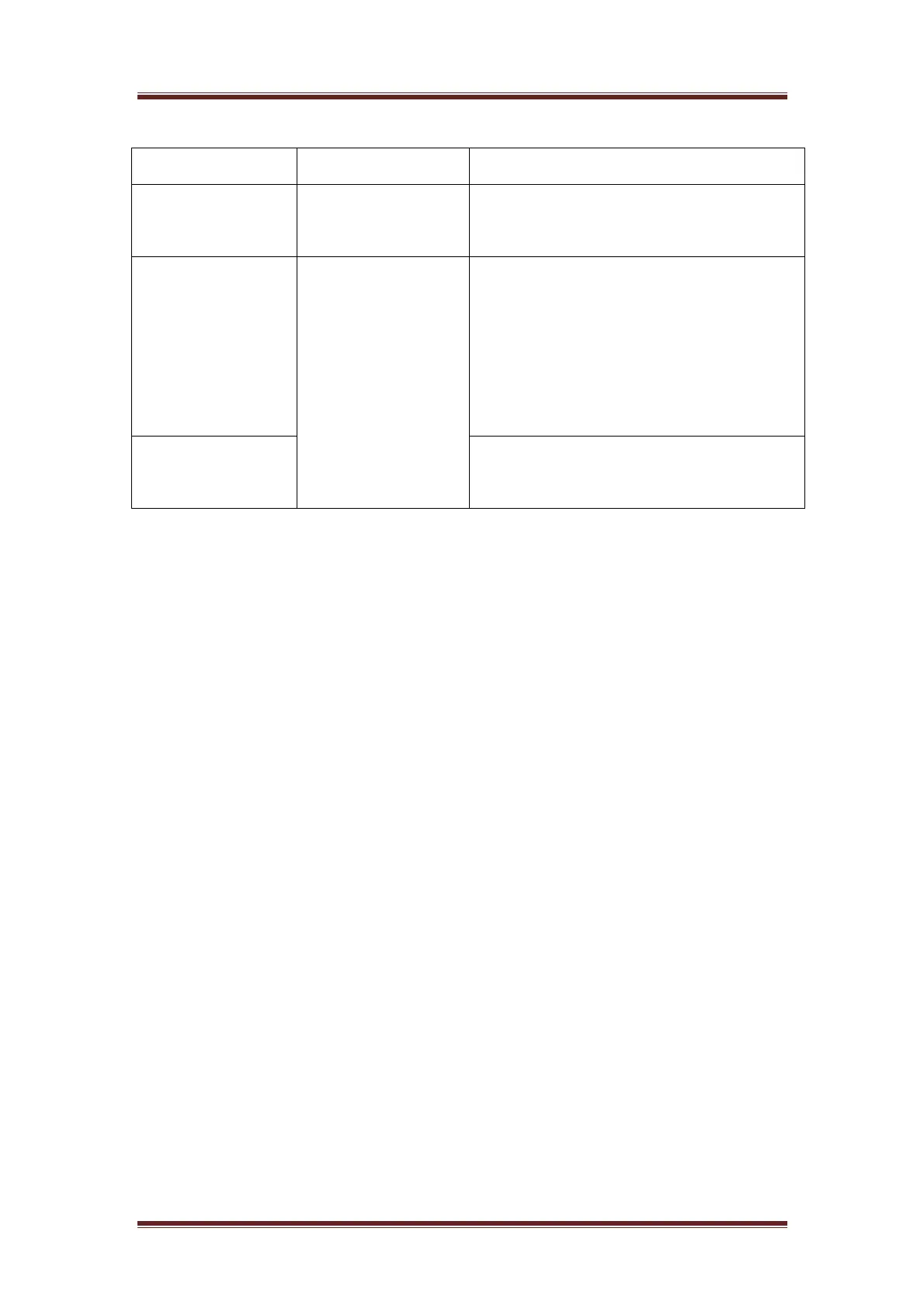
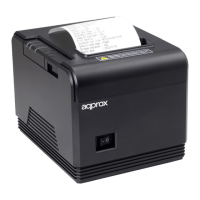
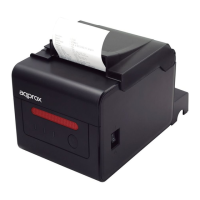
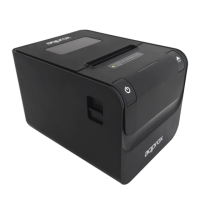
Indicator description
Three color lamp Double color lamp Status
POWER LIGHT
(Green)
POWER LIGHT
(Green)
Light appears when connected to the
power supply
ERROR LIGHT
(Red)
STATUS LIGHT
(Red)
Light appears under following condition:
Such as: paperless, paper jam, print head
overheat, print head error or other
situations.
PAPER LIGHT
(Red)
Light appears when paperless
V. Self-checking
Self-checking can test the printer is work well or not, if it can print the test list
correctly that means the printer is good enough (which is excluding the problem with
the connected interface to PC); otherwise, it needs repair.
Self-checking could print software version number, print density, interface type,
English character and some Chinese characters by order.
Self-checking procedure: Make sure the printer is connected to the power,
then press the feed key and switch on the power supply while the key is still under
pressing. At the same time, the printer begins to self-checking. Please loosen the key
within five seconds and the printer would print the self-testing list after it.
The test list looks like the following when it finished:
Selftest
*****
** Completed **



 To Next Page