EasyManua.ls Logo

Aqua Systems SmartChoice - User Manual

Aqua Systems SmartChoice
39 pages
Print Icon
To Next Page IconTo Next Page
Loading...
Installation, Operation, and
Maintenance Manual
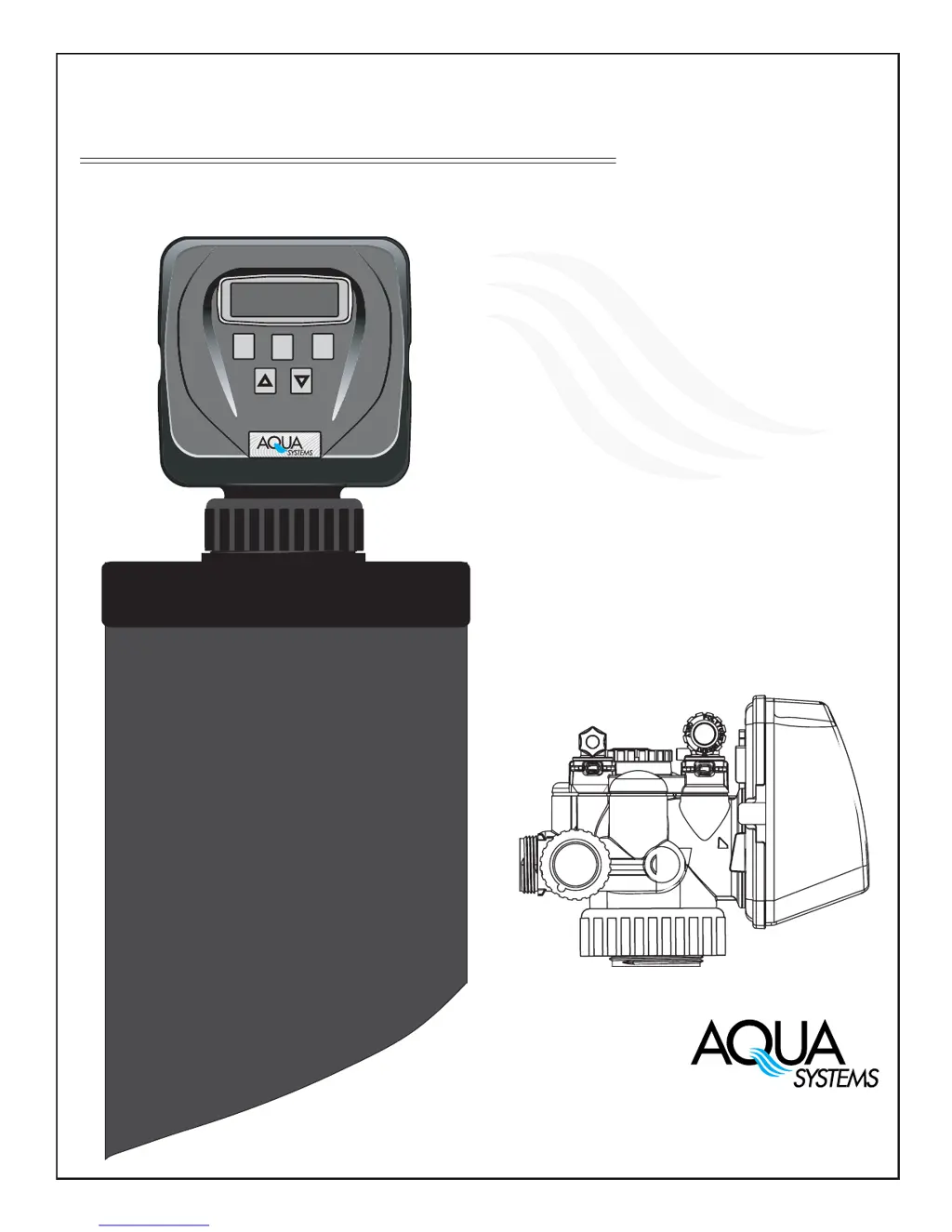
SmartChoice
Water Conditioning System
Installation, Operation,
and Maintenance Manual
SET
CLOCK
SOFTENING
650
®
GAL
CAPACITY REMAINING
NEXT
REGEN
7785 East US Hwy 36
Avon, IN 46123
(317) 272-3000 • (800) 447-5582
© 2002 New Aqua LLC

Questions and Answers

  • A
    Amanda CurryAug 3, 2025
    What to do if my Aqua Systems Water Dispenser shows no softening/filtering display when water is flowing?
    • S
      Stephanie McfarlandAug 3, 2025
      If your Aqua Systems Water Dispenser doesn't show softening/filtering when water is flowing, here are some possible causes and solutions: * Ensure the bypass valve is in the service position, not the bypass position. * Check if the meter connection is disconnected; if so, connect the meter to the PC board. * Inspect the meter for restrictions or stalling. Remove the meter and check for rotation or foreign material. * The meter may be defective and require replacement. * The PC board may be defective and require replacement.
  • R
    Raymond PetersAug 15, 2025
    Why does my Aqua Systems Water Dispenser control valve regenerate at the wrong time?
    • P
      Penny SpenceAug 15, 2025
      The control valve on your Aqua Systems Water Dispenser might regenerate at the wrong time of day due to several reasons: * Power outages may cause the time to be incorrect; reset the control valve to the correct time. * The time of day might not be set correctly; reset it. * The regeneration time might be incorrect; reset the regeneration time. * The control valve might be set at “on 0” (immediate regeneration); check the control valve set-up procedure for the regeneration time option. * The control valve might be set at NORMAL + on 0; check the control valve set-up procedure for the regeneration time option.
  • A
    antonio09Aug 21, 2025
    How to fix an Aqua Systems Water Dispenser timer that displays the wrong time?
    • A
      andrewchambersAug 21, 2025
      If your Aqua Systems Water Dispenser timer displays an incorrect time, consider the following: * If the outlet is switched, use an uninterrupted outlet. * If there was a power outage, reset the time of day. * If the issue persists, the PC board may be defective and require replacement.
  • Y
    Yvonne KimAug 27, 2025
    How to troubleshoot an Aqua Systems SmartChoice Water Dispenser timer that doesn't display the time?
    • J
      Joy MurphyAug 27, 2025
      If the timer on your Aqua Systems Water Dispenser isn't displaying the time, try these steps: 1. Check if the transformer is unplugged; if so, connect the power. 2. Verify that the outlet has electric power; repair the outlet or use a working outlet. 3. If the above steps don't work, the transformer might be defective and require replacement. 4. As a last resort, the PC board may be defective and require replacement.
  • R
    Rachel MarshallNov 7, 2025
    What to do if my Aqua Systems SmartChoice Water Dispenser shows an ERROR code?
    • C
      Christopher LarsonNov 8, 2025
      If your Aqua Systems Water Dispenser displays an error code (1001, 1002, 1003, or 1004), here's what you can do: * If the control valve was just serviced, reset it by pressing NEXT and REGEN for 3 seconds, or unplug the power source jack (black wire) and plug it back in. * Inspect the piston and spacer stack assembly for any foreign matter. * If there are high drive forces on the piston, replace the piston(s) and spacer stack assembly. * Ensure the control valve piston is in the home position; if not, reset as described above. * Check the motor and wiring; replace the motor if needed. * Replace or clean the drive gear if it's dirty, damaged, missing, or broken. * Properly reseat the drive bracket if it's misaligned with the back plate. * Replace the PC board if it's damage...

Summary

Pre Install Review

Requirements for Proper Operation

Details on water pressure, flow rate, temperature, drain, and electricity.

Bypass Operation

Installation

Softener Placement

Guidelines for selecting and positioning the water softener unit.

Brine System Placement

Instructions for locating and connecting the brine system.

Turning on Water

Steps for pressurizing the system and checking for leaks.

Start Up

Put Unit into Service

Guide to connect power, set time, and initiate initial cycles.

To Disinfect the System

Procedure for disinfecting the water conditioner after installation.

Programming

Set Time of Day

Instructions for setting the current time on the control unit.

Installer Displays;Settings

Configuration options for hardness, day override, and regeneration time.

Service

Control Valve Service

Procedures for removing/reinstalling the control valve from the media tank.

Service Guide

Drive Assembly

Instructions for removing and servicing the unit's drive assembly.

Troubleshooting

Error Codes and Motor Issues

Troubleshooting for specific error codes and motor-related problems.

Stalled or Non-Regenerating Valve

Solutions for control valve stalling during regeneration or failing to regenerate.

Aqua Systems SmartChoice Specifications

General IconGeneral
BrandAqua Systems
ModelSmartChoice
TypeWater Dispenser
Cooling SystemCompressor
Power Consumption500W
MaterialPlastic

Related product manuals