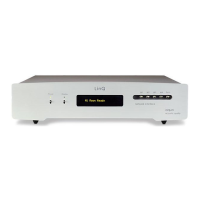
If you have more than one board installed, you can instantly switch to the Module running on
the other boars simply pressing the corresponding key.
FUNC key: this key displays at the first and second depression the name and type of the
modules currently installed.
Otherwise, holding down this button for some seconds, the firmware release number of the
supervision microcontroller and of the currently selected module are displayed.
Display:
The display shows the module currently selected for listening, and indicates also:
- the signal type (PCM / DSD)
- the audio samples bit number (16 / 24)
- the sampling frequency
Note that the displayed data refer to real-time measurements made by the unit, not to values
read in the musical files.
Other indications:
'no LAN', indicates the absence of network connection
'no module': indicated that the user has selected a module that is not present (not installed)
Remote command
An IR RC5 remote control is available on request.
The remote control replicates the font panel keys behaviour.
5. System update
It is possible to check the firmware release currently installed on a module using the FUNC
key (hold on).
Please note that due to the fact that each module is completely independent from the others,
each module has to be separately updated.
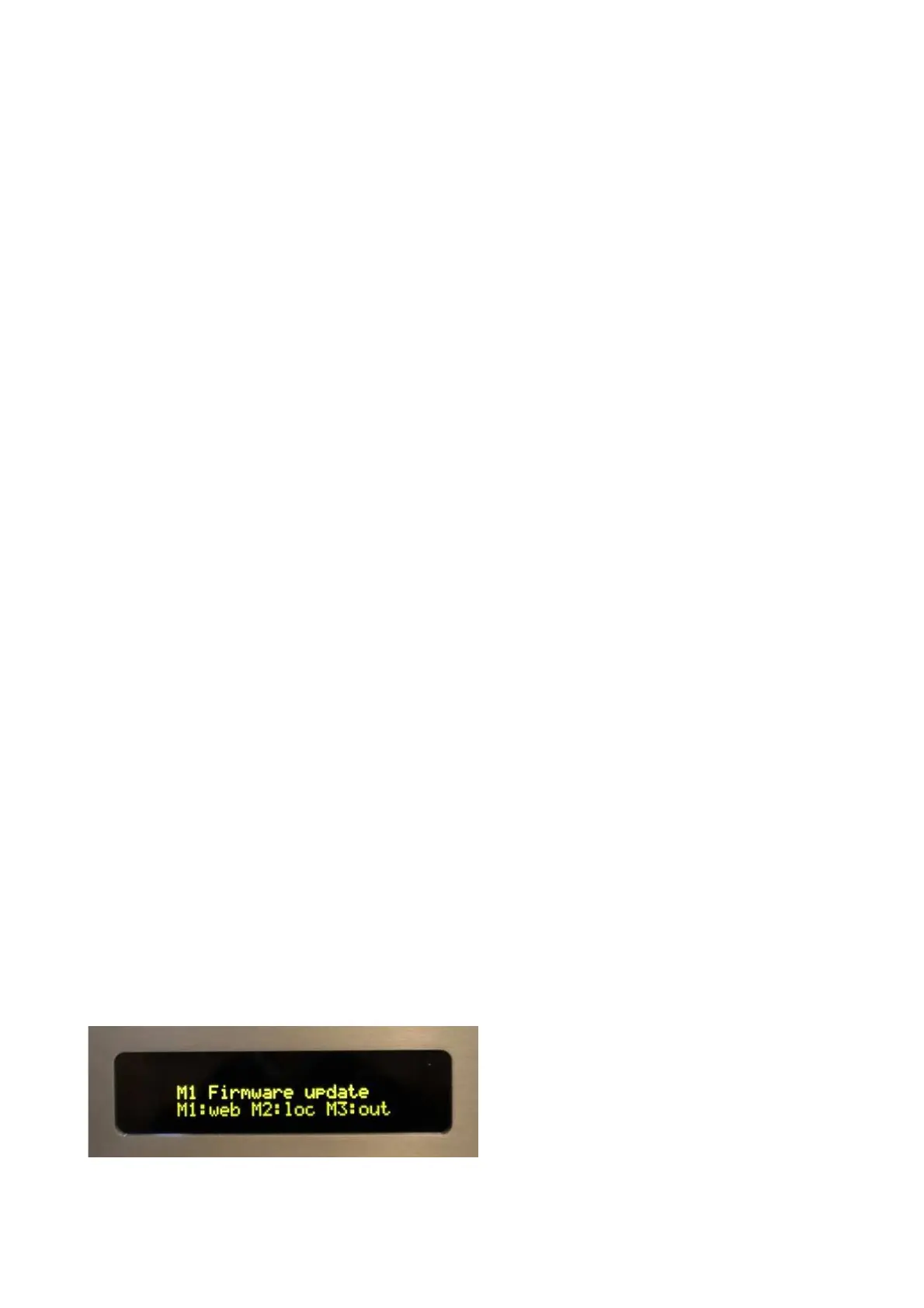
To access the update function:
- Power on the unit, and select the module (M1, M2, M3 or M4) you want to update.
- Press (hold on) the Display key for a few seconds until the update menu appears.


 To Next Page
 Loading...