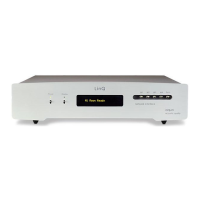
As you can see on the display, there are two ways to perform the LinQ firmware update:
- Remote mode (‘web’)
In order to perform this type of update the unit must the connected to the internet.
Simply press the M1 key to start the update process.
The procedure lasts some minutes (in general no more than 2-4 min, depending on the
internet connection).
At the end, the unit will power-off automatically.
- Local mode (‘loc’)
(*) the local mode has been implemented also to make possible to provide customized
versions of the firmware, outside the standard line of releases. In this case, please follow the
indications provided directly to you by aqua.
In order to perform this type of update the unit must the connected to your LAN.
In this update mode you need to do download the appropriate update file from the website
or provided directly to you by aqua.
Press the M2 key.
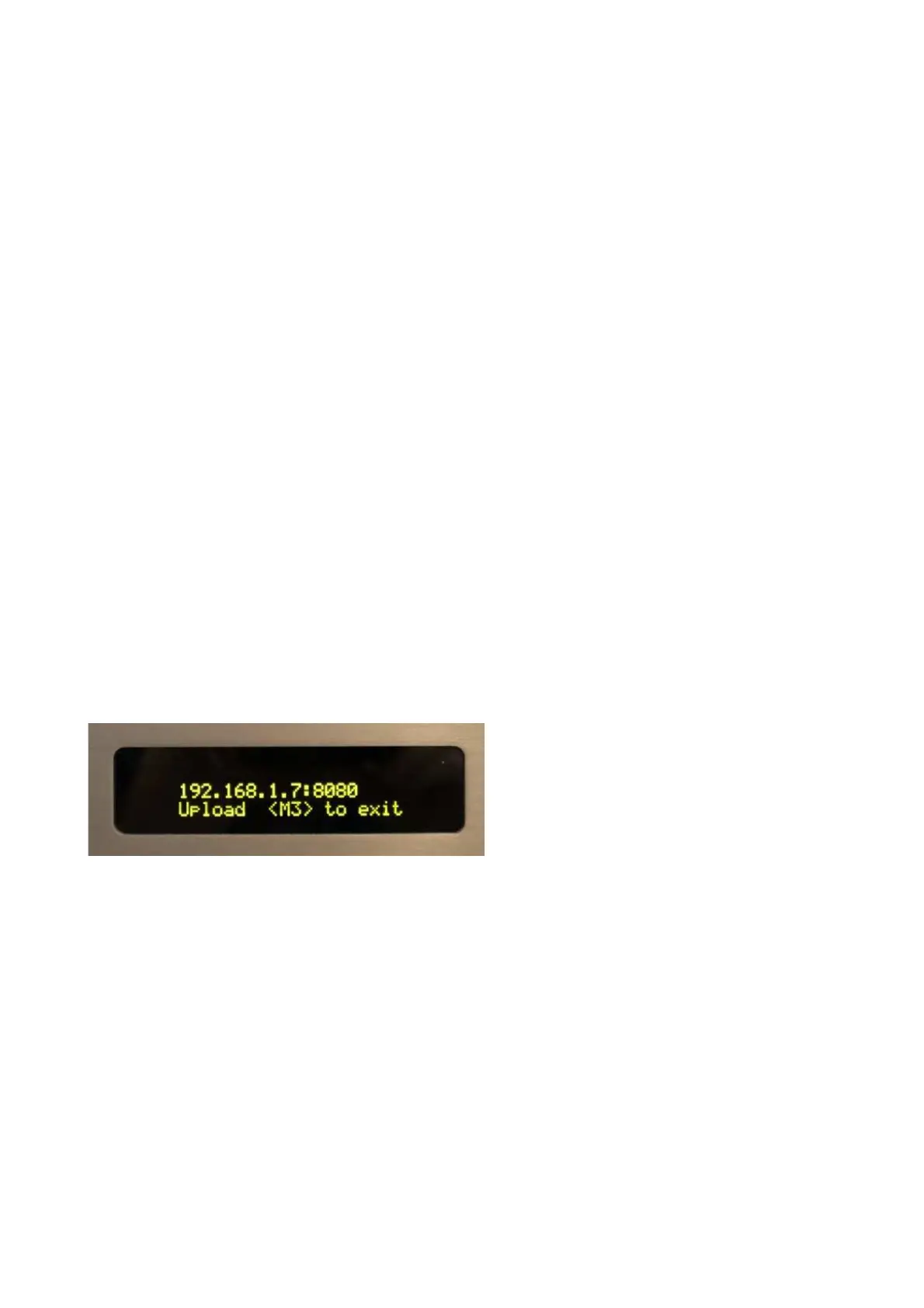
The display will indicate the IP address of the unit (example 192.168.1.7:8080).
Make a connection to this IP address (example 192.168.1.7:8080), using a computer and a
normal browser (Chrome, Firefox, Safari, Edge, Internet Explorer...) and follow the indications
on the browser screen.


 To Next Page
 Loading...