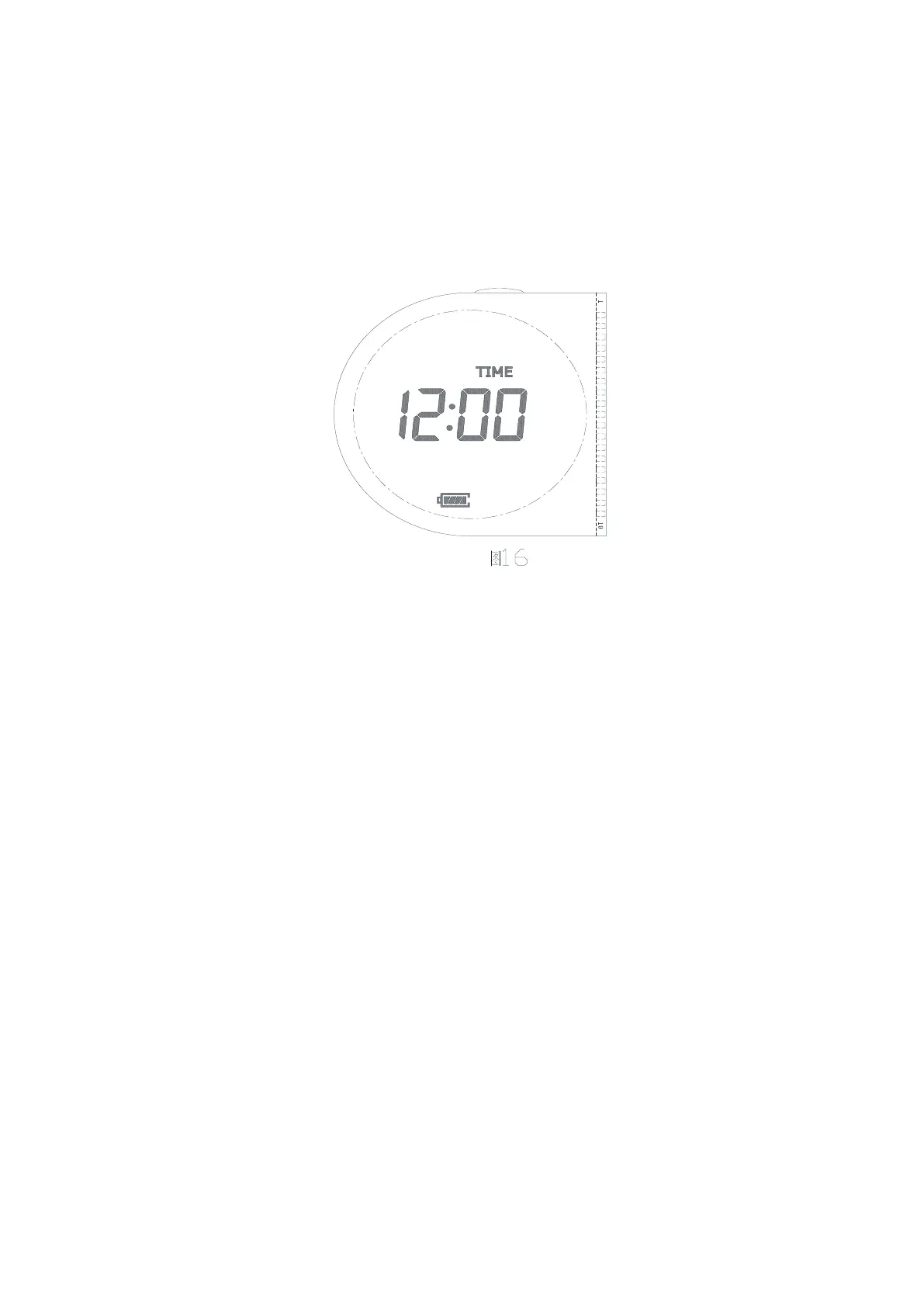
How to set clock time
Turn dial to SET CLOCK, as picture 16
Digits for hours will blink, make settings and confirm by pressing OK button, then digits for minutes will
blink, make settings and confirm by pressing OK button
Press + button for bigger numbers (by keeping +button pressed, digit will change quickly)
Press - button for bigger numbers (by keeping -button pressed, digit will change quickly)
Default is 12:00
How to set Start Time
Turn dial to START TIME, as picture 17
Press L/R button to shift between left and right valve(as picture 17 and 18)
Press OK button or + button, to confirm valve, display will show as picture 19 or 20, then is ok to set the
start time
Digits for hours will blink, make settings and confirm by pressing OK button, then digits for minutes will
blink, make settings and confirm by pressing OK button
Press + button for bigger numbers (by keeping +button pressed, digit will change quickly)
Press - button for bigger numbers (by keeping -button pressed, digit will change quickly)
Confirm setting by pressing OK button
Default Start Time is —— : ——, press + button or OK button, default time change to 12:00


 To Next Page