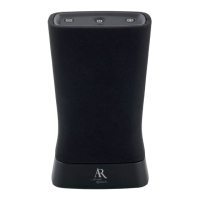
Need help?
Do you have a question about the AR ELITE Series and is the answer not in the manual?
Guides setting the switch to Mono for single speaker use.
Explains powering on the speaker and starting the pairing process.
Instructs users to enable Bluetooth on their source device.
Details selecting the speaker from the device's Bluetooth list.
Guides on playing music wirelessly from the Bluetooth device.
Explains controlling the speaker's audio feedback prompts.
Provides advice for successful wireless connectivity and troubleshooting.
Guides setting the switches on both speakers for stereo pairing.
Explains powering on speakers and starting the stereo link.
Instructs users to enable Bluetooth on their source device for stereo.
Details selecting the stereo pair from the device's Bluetooth list.
Guides on playing music wirelessly for true stereo sound.
Explains turning white light on/off when the speaker is powered down.
Describes how to change lighting modes like Solid, Breathe, Dance, Party.
Details how to select colors for Solid and Breathe lighting modes.
Explains how to turn the lighting demonstration mode on or off.
Details the controls and indicators located on the top of the speaker.
Explains the ports and switches located on the back of the speaker.
 General
| Configuration | 2-way |
|---|---|
| Tweeter Size | 1 inch |
| Sensitivity | 88dB |
| Weight | 15 lbs |
| Type | Bookshelf |
| Woofer Size | 6.5 inches |
| Color | Black |

 To Next Page