4
5
%
)
"
%1
#!$
7
#' !
1
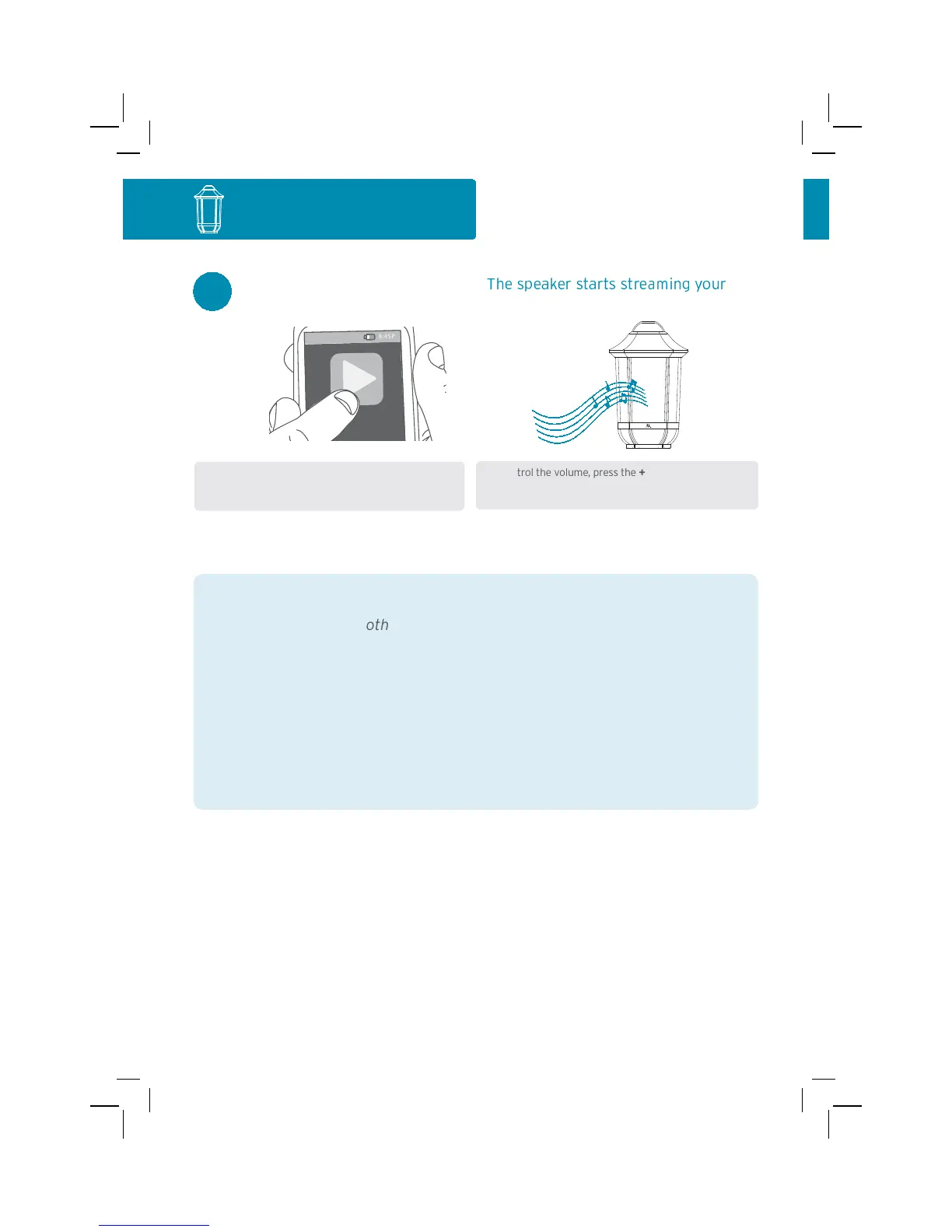
Bluetooth device.
8
:45
PM
T
)
%*
%
%7
#!$
1
music wirelessly.
To control the volume, press the + and – buttons on the
back of the speaker, or use the volume controls on your
Bluetooth device.
89:;
tooth Wireless Connection Tips
• Make sure the Bluetooth capability of your device is turned on.
• Make sure there’s nothing plugged into the speaker’s Aux In jack when
you’re trying to use Bluetooth.
• The Bluetooth wireless connection works up to a range of roughly 33 feet
(10 meters). This range may vary, however, based on other factors, such as
room layout, wall material, obstacles, your device’s Bluetooth performance,
etc. If you’re having problems connecting to the speaker, move closer to it.
• If your device asks you for a password to connect, use “0000”.
Single-Speaker Setup
Note: Make sure your Bluetooth device is set to
at least 75% volume.


 To Next Page