Road Glide
Ultra Classic + Electra Glide
Harley Davidson
Roadglide
Installation Instructions
Tools Needed- (Amplifier Installation)
#2 Phillips Screwdriver 10mm Open End Wrench
T40 Torx Bit w/handle 1/2” Socket w/ratchet
T25 Torx Bit w/handle Wire Cutters
Fender Cover (Recommended) Crimpers
Drill (Recommended) 7/32 Drill Bit
Hot GLue Gun (Recommended for seperate tweeter installation)
Included in this kit-
Velcro (adhesive backed) Wire Harness w/terminations
(10) Zip Tie Wire harness straps Turn on lead w/terminations
(10) BLue insulated wire butt connectors (3) 10/32 Nut’s
(3) 10/32 dia 1/2 Black allan head bolts (3) 10/32 lock washers
Installation Instructions
Step 1 - Protect your investement
It is always recommended that when you are installing your
Arc Audio MPAK Series audio components to protect your motorcycle
from potential damage and use a protective fender cover. This will
reduce the risk of damage from falling tools or debris.
Step 2 - Remove the Seat
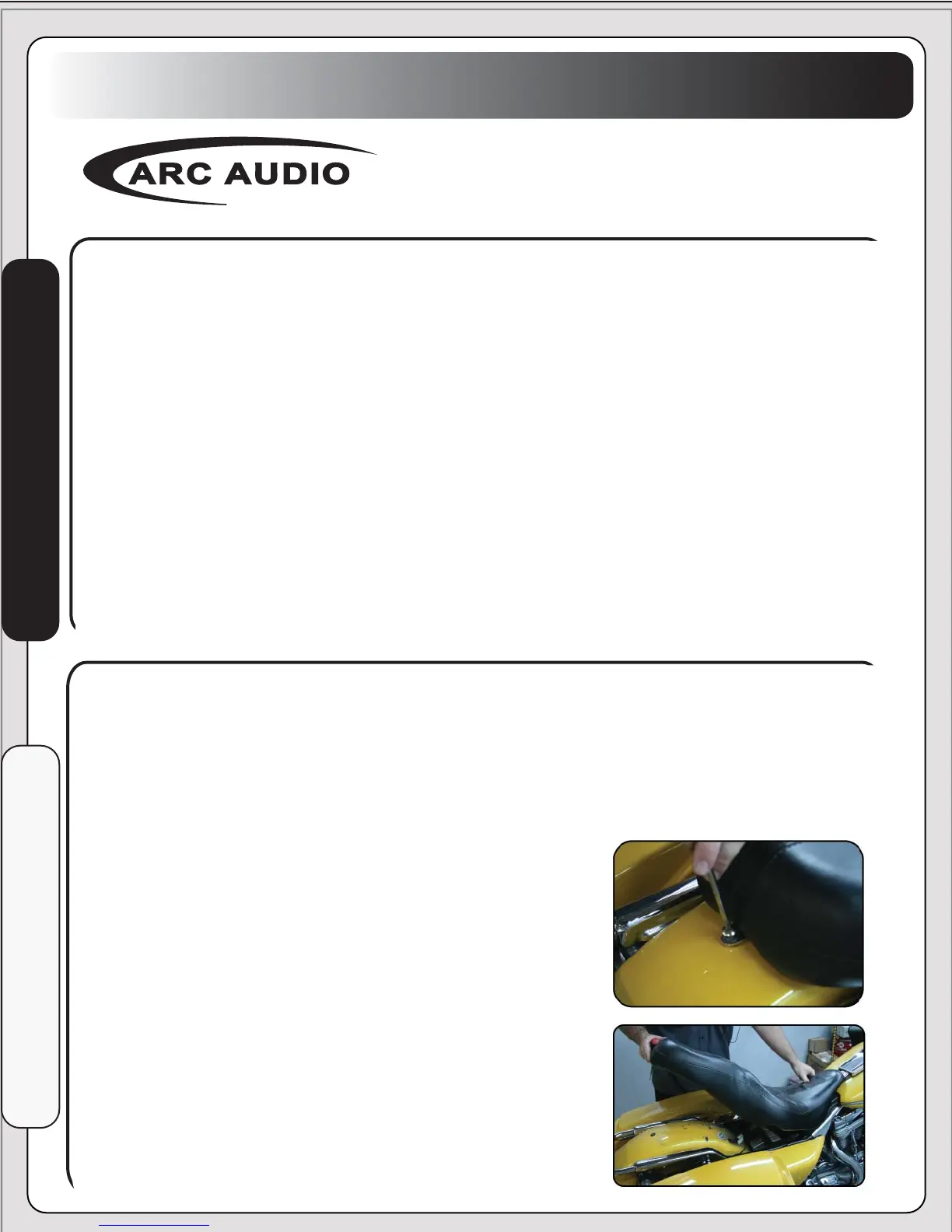
Remove the single #2 Phillips
screw located at the rear of the
seat. Next lift up on the rear of
the seat and carefully slide the
seat backwards and set aside in a
safe place.



 To Next Page