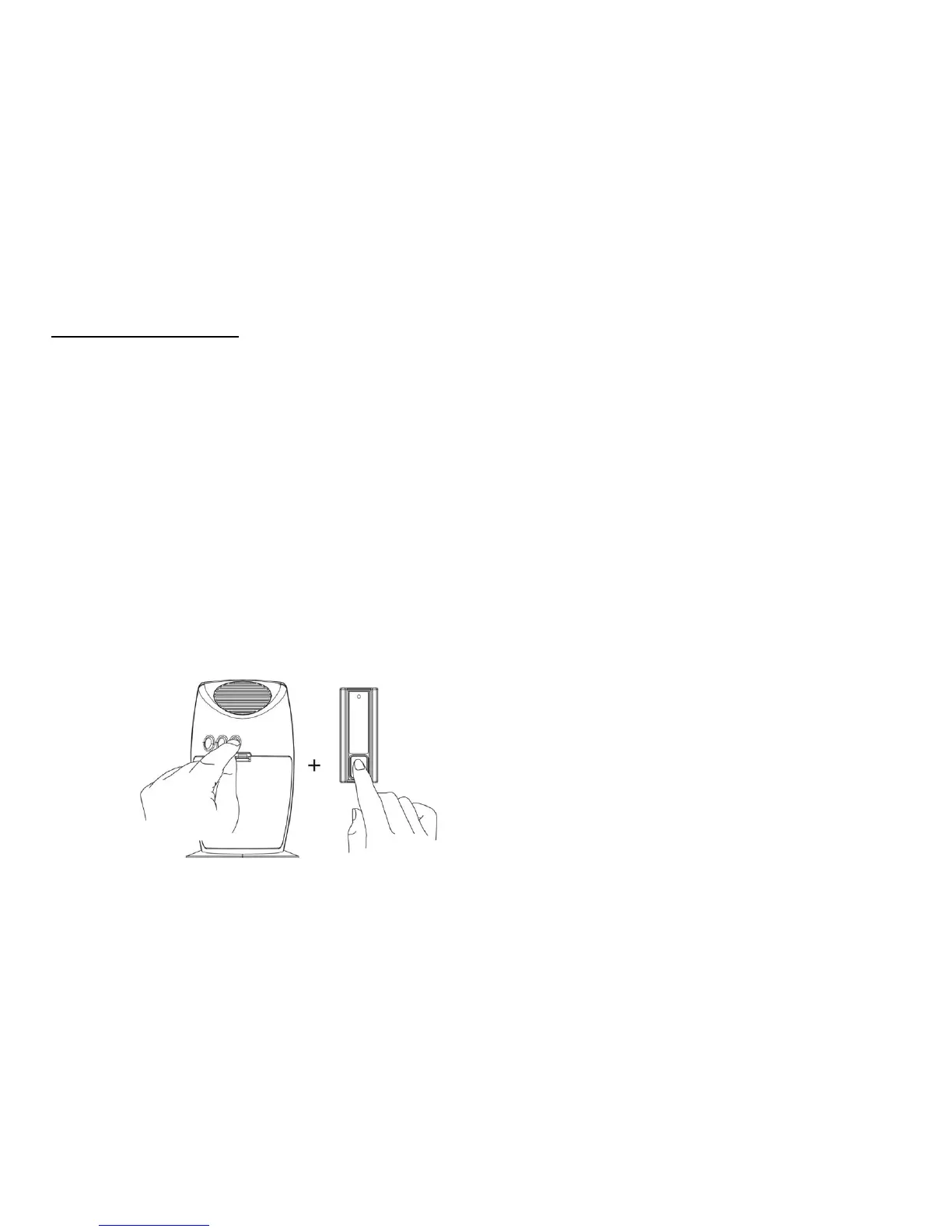
.HOW TO DELETE CODE:
- Delete individual setting
Press the “Learn” button once on the Receiver (chime unit), “Du” sound is heard, the LED flashes slowly.
Then, press the push button of bell push unit LMLT-711 (or slide to “DEL” position of button on LMDT-609 or “CLOSE” parts of LMST-606 as
“DELETE” code) to send signal to the receiver chime.
No matter sound volume is setup at any volume level or mute mode, once the deletion is completed, the receiver will indicate a “Du-Du”
sound to confirm, LED light does not flash.
Repeat steps to delete single memory from transmitters.
- Delete all memory settings at the same time
On the Receiver (chime unit) press the “Learn” button, hearing a “Du” sound and holding with the button for about 6 seconds till a second “Du”
sound with LED light flashes.
Release the “Learn” button, and press shortly the “Learn” button again, no matter sound volume is setup at any volume level or mute mode,
once the deletion is completed, the receiver will indicate a “Du-Du” sound to confirm, LED light does not flash.
All memories are deleted once at the same time.
With LMLT-711


 To Next Page