EasyManua.ls Logo

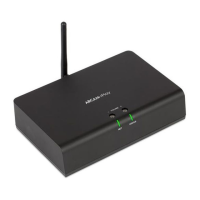
Arcam rPLAY - Connectors and Controls; Volume Control and Mute

Arcam rPLAY
116 pages
Print Icon
To Next Page IconTo Next Page
To Previous Page IconTo Previous Page
Loading...
E-3
English
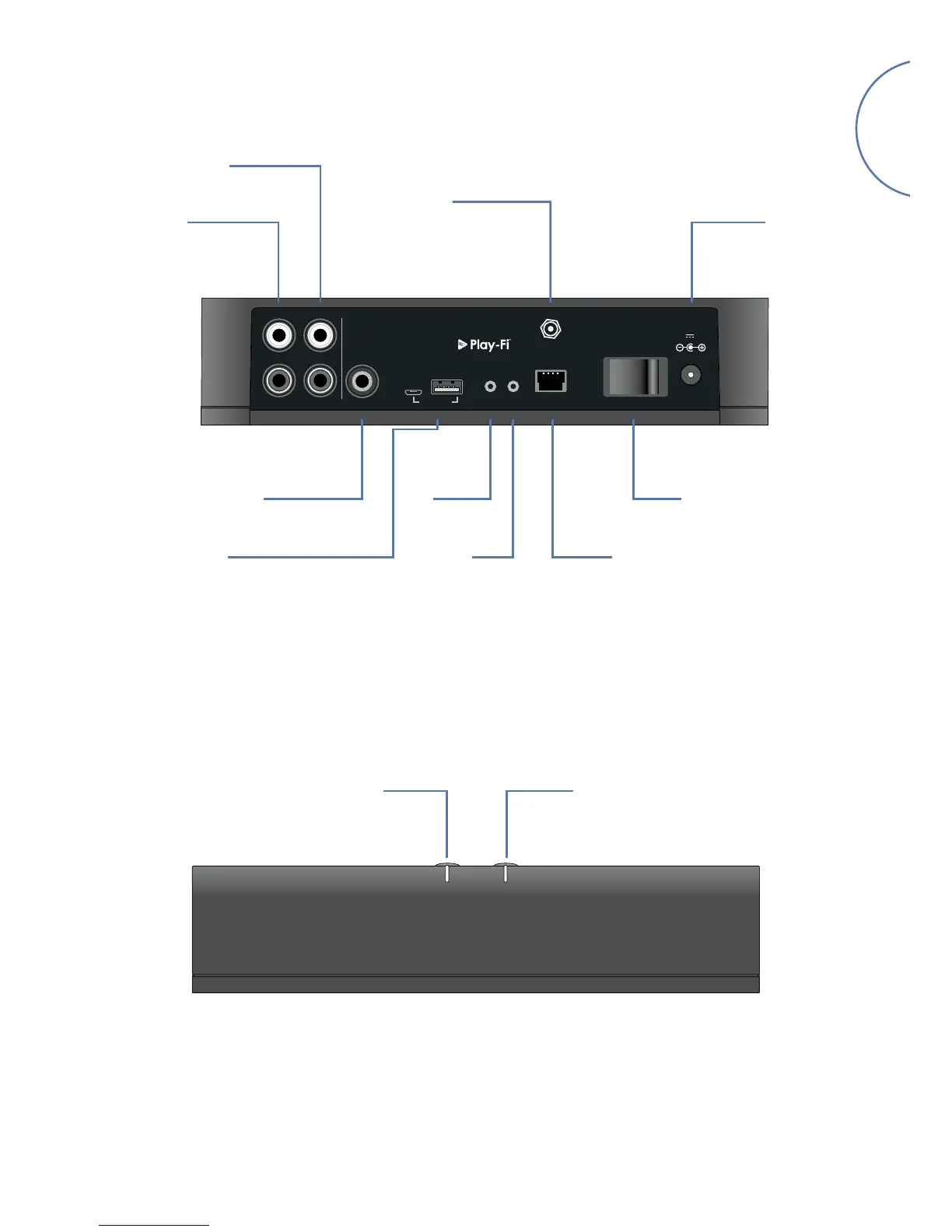
Variable Level
Audio Output
1
0
NET
12V 2.0A
POWER
SETUP RESET
DIG.OUTFIXED VARIABLE
R
L
LINE OUT
UPGRADE
ANT
Fixed Level
Audio Output
Power
Connector
Coaxial Digital
Output
Wireless
Setup
Ethernet
Power
Switch
Connectors and Controls
Wi-Fi Antenna
Connector
ResetUSB Service Ports
(Software upgrade only)
NET STATUS
Volume +Volume –
Volume Control and Mute
The variable line output volume is adjusted by pressing the volume up (+) and down (-) buttons on the top panel.
Pressing both volume buttons at the same time will cause the output to mute and the front panel STATUS LED
will change to orange.
Note: The volume control does not affect the fixed line and S/PDIF outputs of the rPlay.

Related product manuals