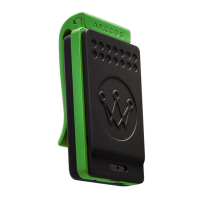
Pairing Your Link Pro
STEP 2
07
•
•
•
•
Activate Bluetooth on your phone and
open the Arccos Caddie app.*
Connect Link Pro if prompted in the app.
If not prompted, on the “Start Round”
screen of the app, tap “Pair Arccos Link.”
Proceed by selecting “Pair Existing Link
Device” and follow next steps until
successfully connected.
*Pairing will not happen in the phone’s Bluetooth settings.

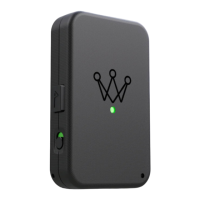

 To Next Page