48 / 56 EN
Television / User Manual
DETAILED CHANNEL SETTINGS
----------------------------------------------------
8 Select »Tune Type« with »
V
« or »
Λ
« and
select »DTV« with
<
« or »
>
«.
9 Press »OK« to start the search.
– The »Channel Tuning« menu will be
displayed and the search for TV channels
will start.
– Search may take several minutes
depending on the number of television
channels received.
Note:
7
The search can be aborted with »EXIT«.
10 Press »EXIT« to end searching.
Manual searching for digital
television channels with aerial
connection
1 Open the »Input Source« menu with » «.
2 Select »DTV« using »
V
« or »
Λ
« and
confirm with »OK«.
3 Press »MENU« to open the menu.
4 Press »
<
« or »
>
« to select the »CHANNEL«
menu and press »OK« to confirm.
– »CHANNEL« menu is now enabled.
5 Press »
V
« or »
Λ
« to select »DTV Manual
Tuning« and press »OK« to confirm.
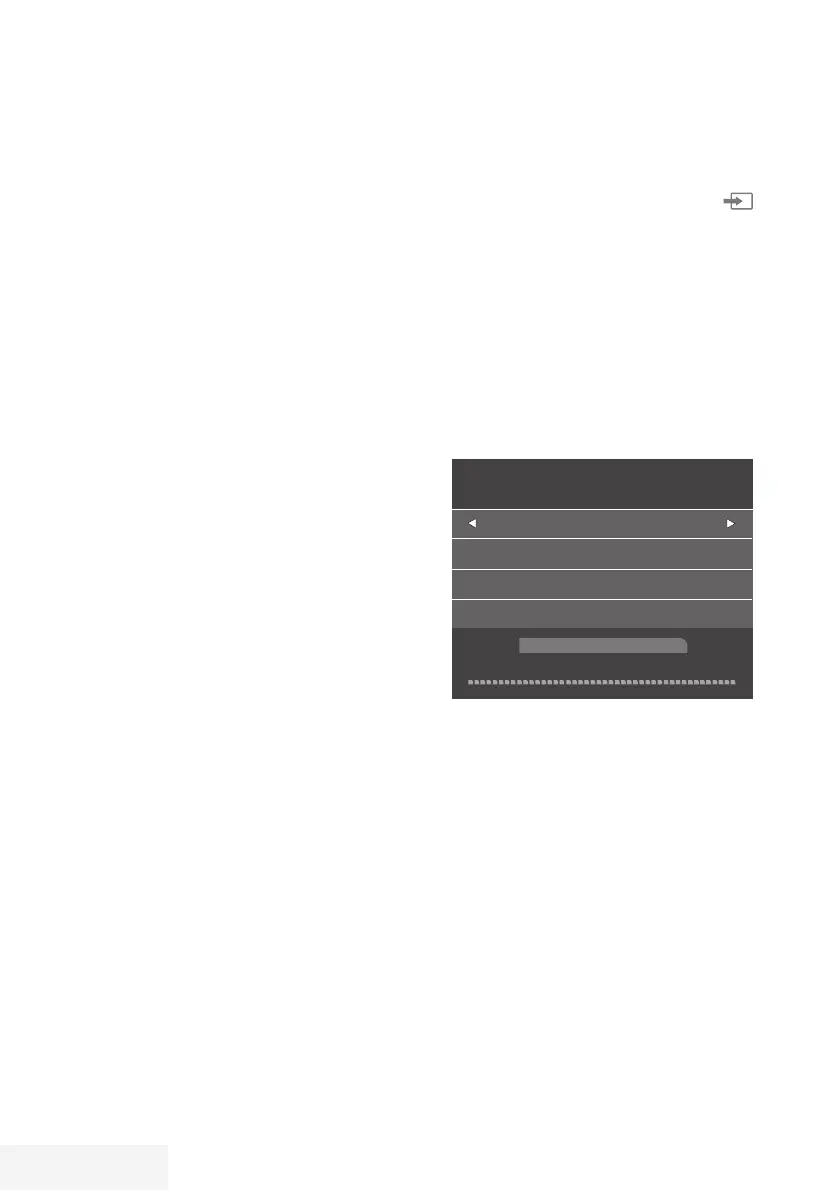
– »DTV Manual Tuning« menu will be
displayed.
DTV Manual Tuning
VHF CH 1
- +
Bad
Freq... 43.50 MHz
Good
6 Select a channel with »
<
« or »
>
«.
7 Press »OK« to start the search.



 To Next Page