Television / User Manual
15 / 56 EN
OVERVIEW
--------------------------------------------------------------------------------------------------------------
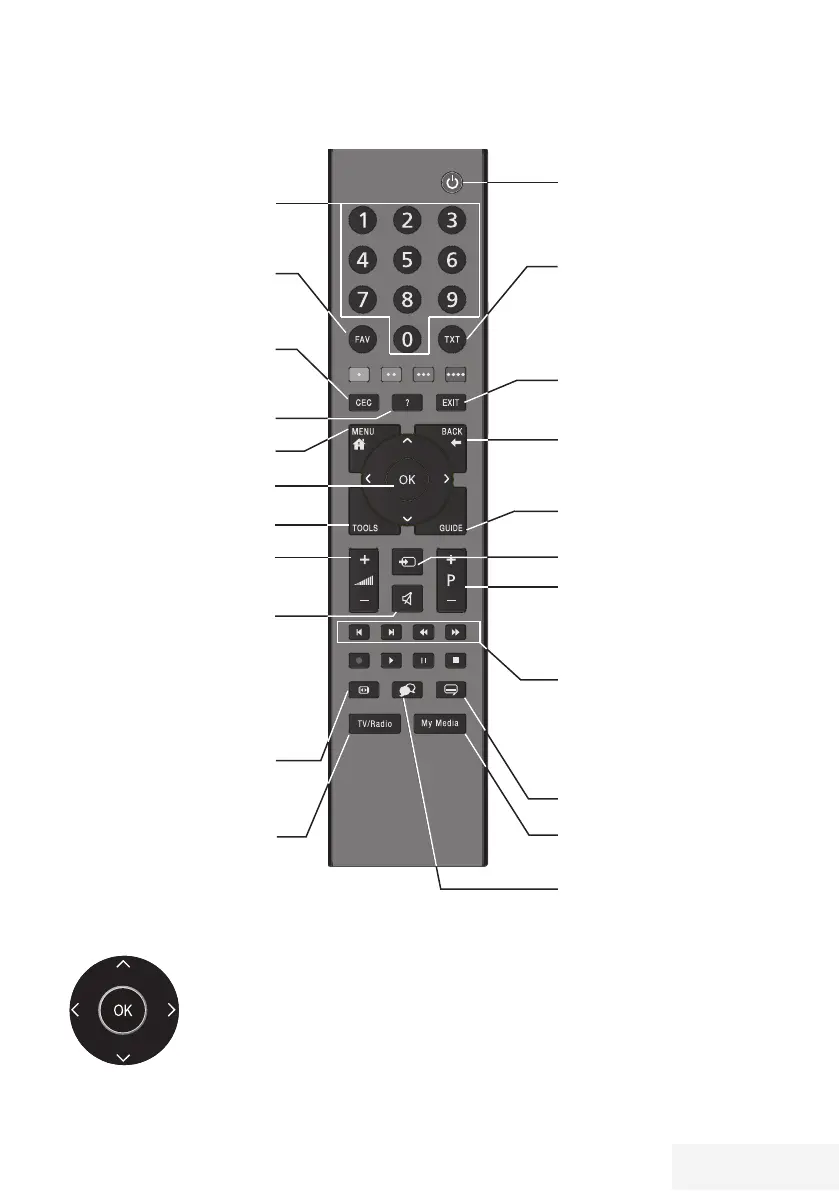
Remote control - main functions
Cursor Control
Moves the cursor up and down
in the menus.
Moves the cursor left/right in
menus.
Opens channel list; activates
various functions.
Previous, Next,
Forward, Back;
Double character, Edit, Stop,
Answers in Teletext mode.
Selects subtitles.
Selects audio channel.
Turns on/off the television set
(stand-by)
Signal source.
Sound on/off (mute).
Returns to the previous channel
Opens the menu
Displays information.
This button has no function
Switches between teletext
and TV modes.
Opens the electronic TV
guide
Selects the channels step by
step
Adjusts the volume.
Exits the menu.
Opens the channel list
Directly selects the
channels
Opens the favourite list
This button has no function
Selects the picture format.
Opens Media Player menu.
Switches between TV
channels/Radio channels.



 To Next Page