EasyManua.ls Logo

Archos 402 - User Manual

Archos 402
37 pages
Print Icon
To Next Page IconTo Next Page
Loading...
1
• MPEG-4 Video Player
• MP3 & WMA Music Player
• Photo Viewer
• Photo Viewer
• USB 2.0 Hard Disk
• USB 2.0 Hard Disk
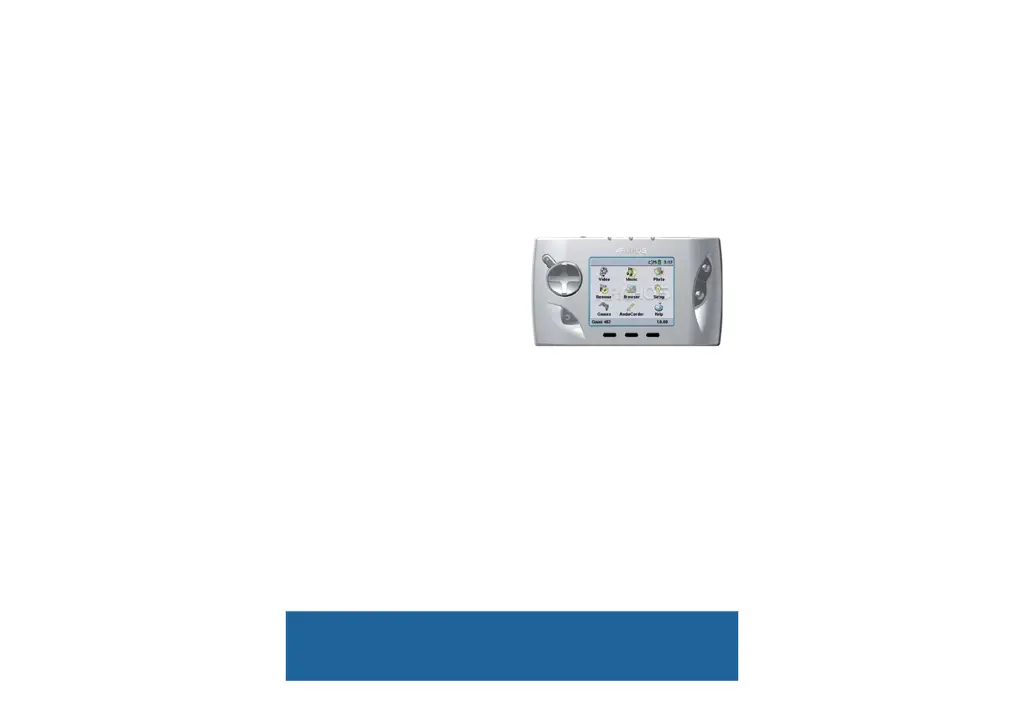
User Manual for ARCHOS
Gmini
Gmini
402
402
Version 1.8
Version 1.8
English Language User Manual
Please visit our website to download the most recent manual and software for this product.
Gmini
402
Pocket Music / Photo / Video

Table of Contents

Questions and Answers

  • T
    Timothy WhiteJul 29, 2025
    What to do if Archos 402 Portable Multimedia Player cannot be stopped?
    • T
      Taylor WhiteJul 29, 2025
      If you receive the error message 'The device ‘Generic Volume’ cannot be stopped now' when trying to disconnect your Archos Portable Multimedia Player, it indicates that a program might be accessing data on the device. First, close any programs that might be accessing the data, including Windows Explorer. If that doesn't work, close all programs, wait 20 seconds, and try disconnecting again. As a last resort, shut down your computer and disconnect the USB cable once the computer is completely off.
  • K
    Kimberly LawsonNov 12, 2025
    Why is my Archos Portable Multimedia Player Gmini 402 not recognized by my computer?
    • K
      Kelly ArroyoNov 12, 2025
      If your Archos Gmini 402 is not being recognized by your computer, there are several potential reasons. Try these solutions: 1. Restart both your computer and the Gmini 402, then reconnect them. 2. If you're using a USB hub, connect the Gmini 402 directly to the computer. 3. If you're using a front USB port, try a port on the back of the computer. 4. Avoid connecting through a USB port on a keyboard. 5. If you're using a laptop and docking station, try connecting without the docking station. On older computers, ensure that the USB port is enabled in your system BIOS. Also, the USB driver software on your computer may be outdated. To update it, find your USB chipset type (VIA, Intel, SIS, or another) in Device Manager and check the manufacturer's website for the latest drivers. For S...

Summary

Intro - First Time Usage

Plugging in the AC Adapter

Connects the device to power using the supplied charger/adapter for initial charging.

Turning on the Gmini 402

Steps to power on the device by holding the PLAY/ON button.

Shutting off the Gmini 402 and Battery saving features

Procedures for powering off the device and configuring auto-shutoff/backlight.

Hardware Reset

Music - Playing Music Files

Music - Playlists

Creating a Playlist

Step-by-step guide to creating custom playlists by adding songs.

Music - Recording Music

Recording Procedure

Step-by-step guide to setting up and performing audio recordings.

Audio Editing

Music - Putting Music onto your Gmini 402

Synchronizing Music from Windows MediaⓇ Player to the Gmini 402

Guide to transferring music from Windows Media Player, including auto-sync features.

Transferring your CD collection to the Gmini 402

Music - Using iTunes with your Gmini 402

Video - Playing Video Files

Playing Video Files from the Internet

How to play protected and non-protected video content from the internet.

Video - Creating MPEG4 video files with your computer

How to create an MPEG-4 video file

Overview of the process to re-encode video files for the Gmini™ 402.

Using MPG4 Translator

Photo - Viewing Photos

Transferring photos to your Gmini 402

Browser - Using the Browser

Connecting;Disconnecting the Gmini 402 to;from your PC

Connecting the Gmini 402

Step-by-step instructions for connecting the Gmini™ 402 to a PC, including OS-specific details.

Disconnecting the Gmini 402 from your Computer

Connecting Devices to the USB Host Port

SETTINGS

Power Settings

System Settings

Updating the Gmini 402 Firmware Operating System (OS)

Activate the Update

Steps to initiate and apply the firmware update on the Gmini™ 402.

Technical Support

Troubleshooting

USB Connection issues

Solutions for problems where the computer does not recognize the Gmini™ 402.

Gmini 402 locks up (freezes operation) or Stops

How to resolve device freezes or unresponsiveness using reset procedures.

File issues, corrupted data, formatting, and partitioning

Solutions for file corruption, missing files, and disk management problems.

Archos 402 Specifications

General IconGeneral
Resolution480 x 272 pixels
ConnectivityUSB 2.0
Audio Formats SupportedMP3, WMA, WAV
Video Formats SupportedWMV
Battery LifeAudio: Up to 12 hours, Video: Up to 4 hours
Supported FormatsMP3, WMA, WAV, WMV

Related product manuals