Tip:
We recommend you to turn off the device before inserting the micro-SD card.
The device will reboot.
- When the device restarts, you are informed that the ARCHOS Fusion storage is
active.
- In the status bar, a notication is displayed.
- Select the Settings app, then ARCHOS Fusion Storage. The merged storage is
displayed.
Disabling fusion storage
1. Select the Settings app.
2. In the Settings app, select ARCHOS Fusion Storage.
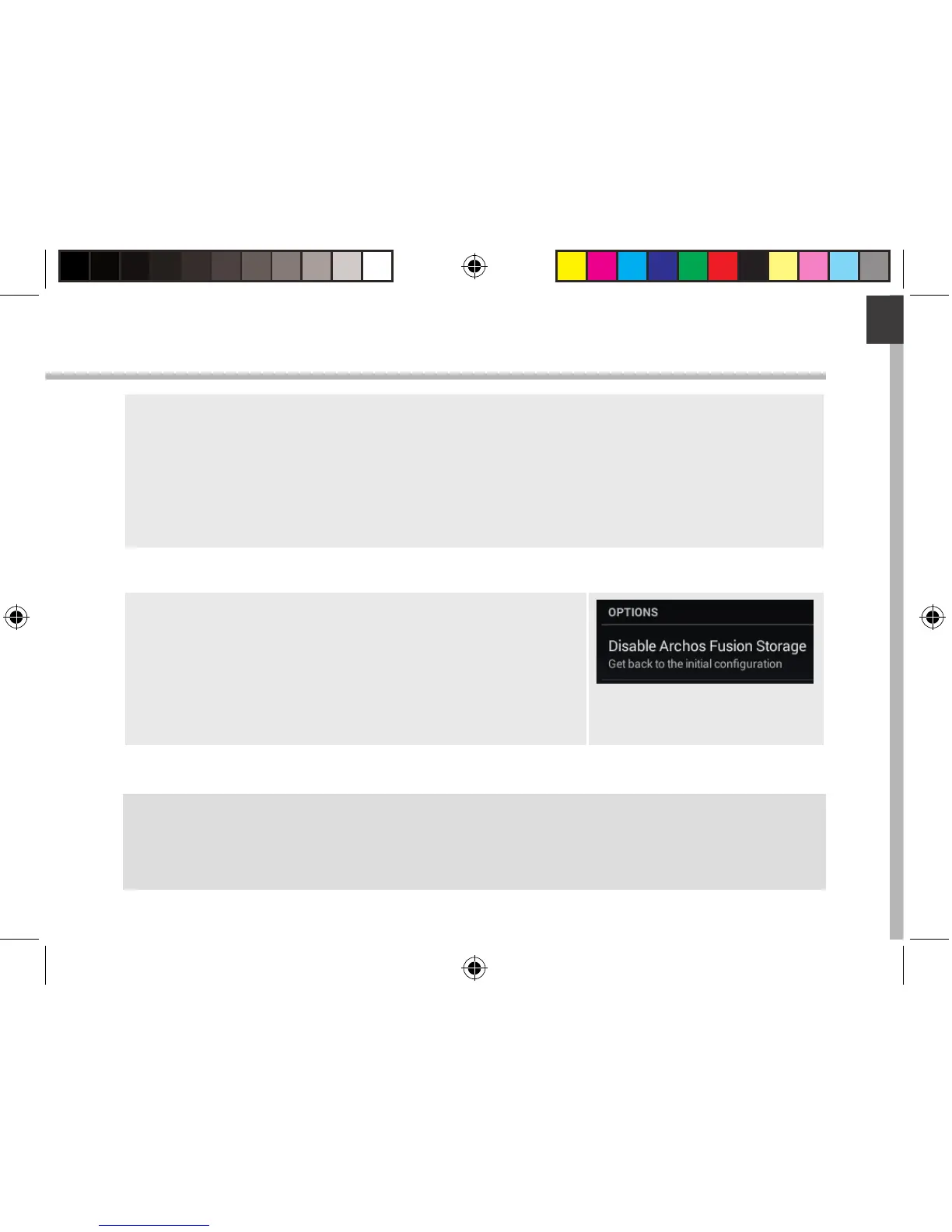
3. When the ARCHOS Fusion Storage is active, select
“Disable ARCHOS Fusion Storage” and conrm.
Your device will reboot in order to apply the changes.
114319_ARCHOS_70b_Helium_QSG_book.indd 13 02/09/2015 10:53:19


 To Next Page