12
Getting familiar with Android
TM
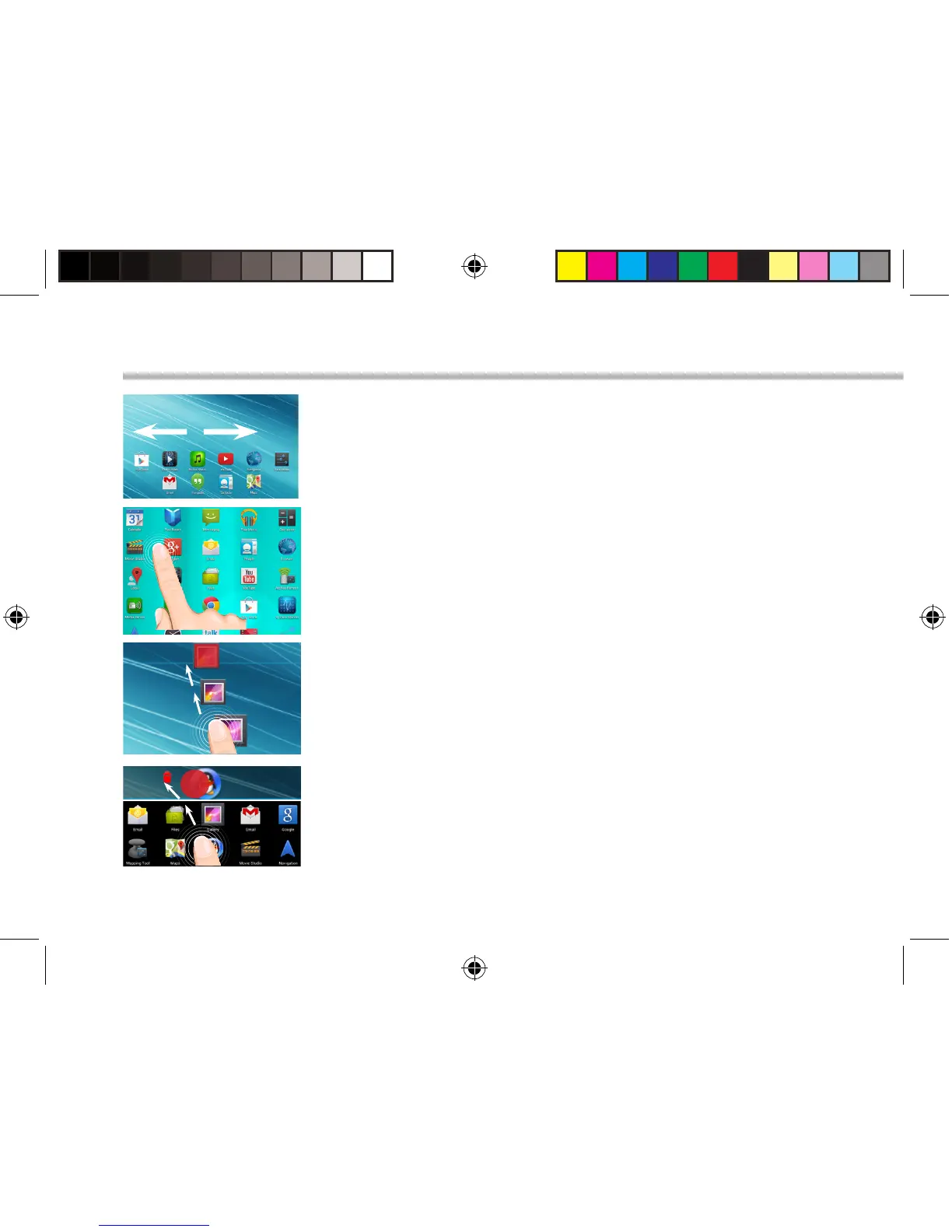
The extended home screen:
Navigate between dierent home screen panels by swiping left
and right.
Moving a home screen item:
Touch and hold your nger onto it until the positioning gridlines
appear, then slide it to the desired location, and release your
nger.
Removing a home screen item:
Touch and hold it, slide your nger towards the top of the screen
and drop it over the Remove icon.
Uninstalling an item:
From the All apps screens, touch and hold it, slide your nger
towards the top of the screen and drop it over Uninstall bin.
113329_UserGuide_ARCHOS_70c_Cobalt_book.indd 12 17/10/2014 17:37:39


 To Next Page