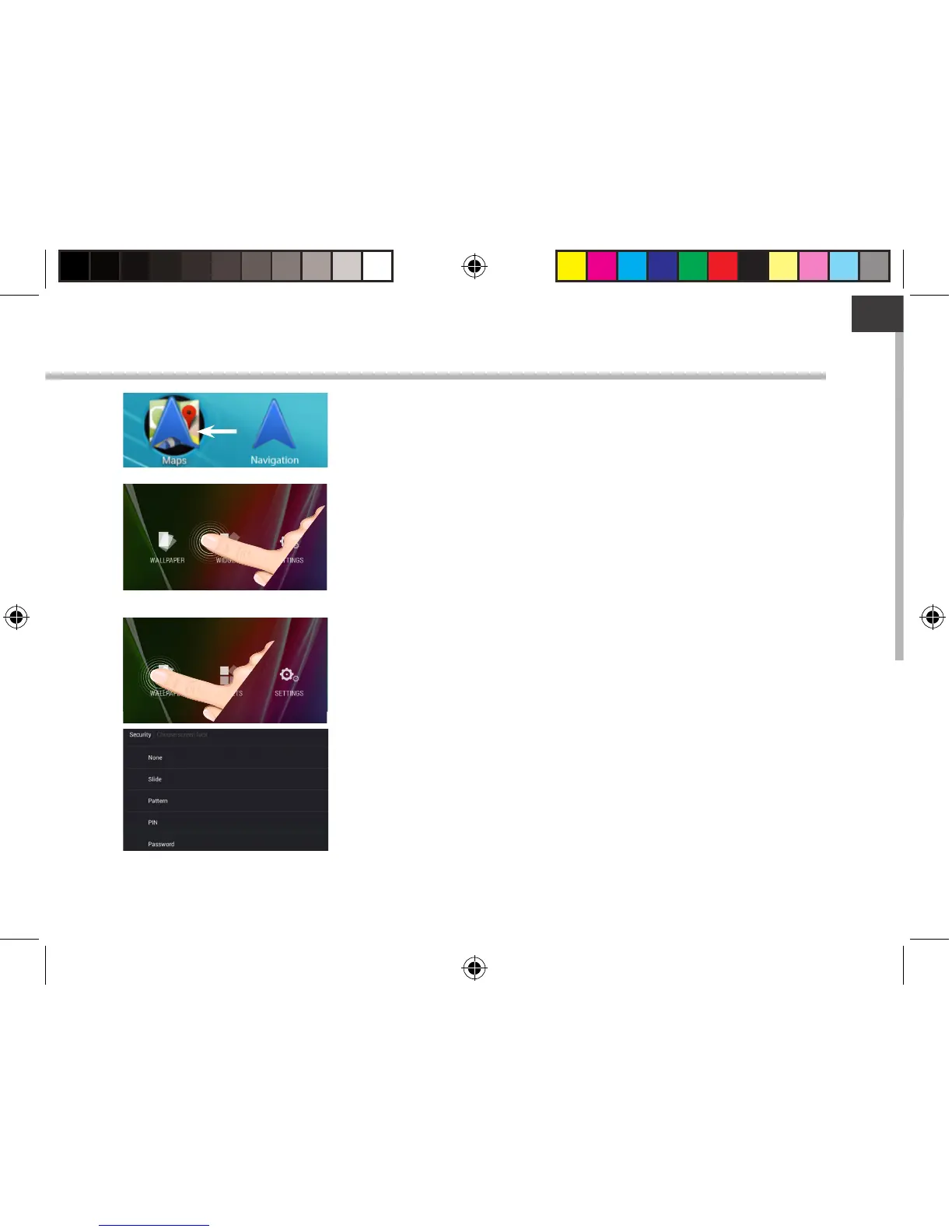
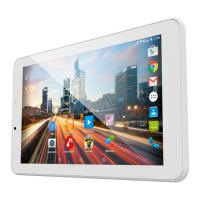
Creating application folders:
Drop one app icon over another on a home screen and the
two icons will be combined.
Widgets:
Hold your nger on a home screen at an empty location,
then choose from the list: Widgets.
Changing your wallpaper:
Hold your nger on a home screen at an empty location,
then choose from the list: Wallpaper.
Locking the touchscreen:
In Settings, scroll down and touch security. Touch Screen
lock. Touch the type of lock you would like to use. After you
set a lock, a lock screen is displayed whenever your screen
wakes up, requesting the pattern, PIN or other specied key.
113329_UserGuide_ARCHOS_70c_Cobalt_book.indd 13 17/10/2014 17:37:39


 To Next Page