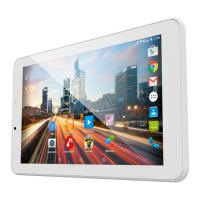
Google
TM
Search
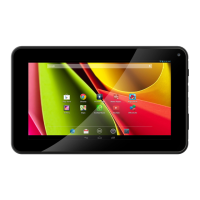
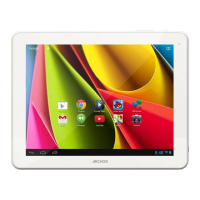
>Touch "Google" for text search or touch the microphone icon for voice search.
Android
TM
apps shortcuts
> Touch to start an application.
Permanent Android
TM
apps shortcuts
> Touch to start an application
Back button
Home button
Recent apps buttons
All Apps button
> Touch this icon to show all the applications and widgets installed on your
ARCHOS. All your downloaded applications are here.
The status bar
> Displays notications and quick settings
1
2
3
4
5
6
7
8
113329_UserGuide_ARCHOS_70c_Cobalt_book.indd 9 17/10/2014 17:37:37


 To Next Page