EUR
US
UK
ENGLISH
STARTING UP
►
See the full user manual to learn how to fully configure your ARCHOS device.
Charging the Battery
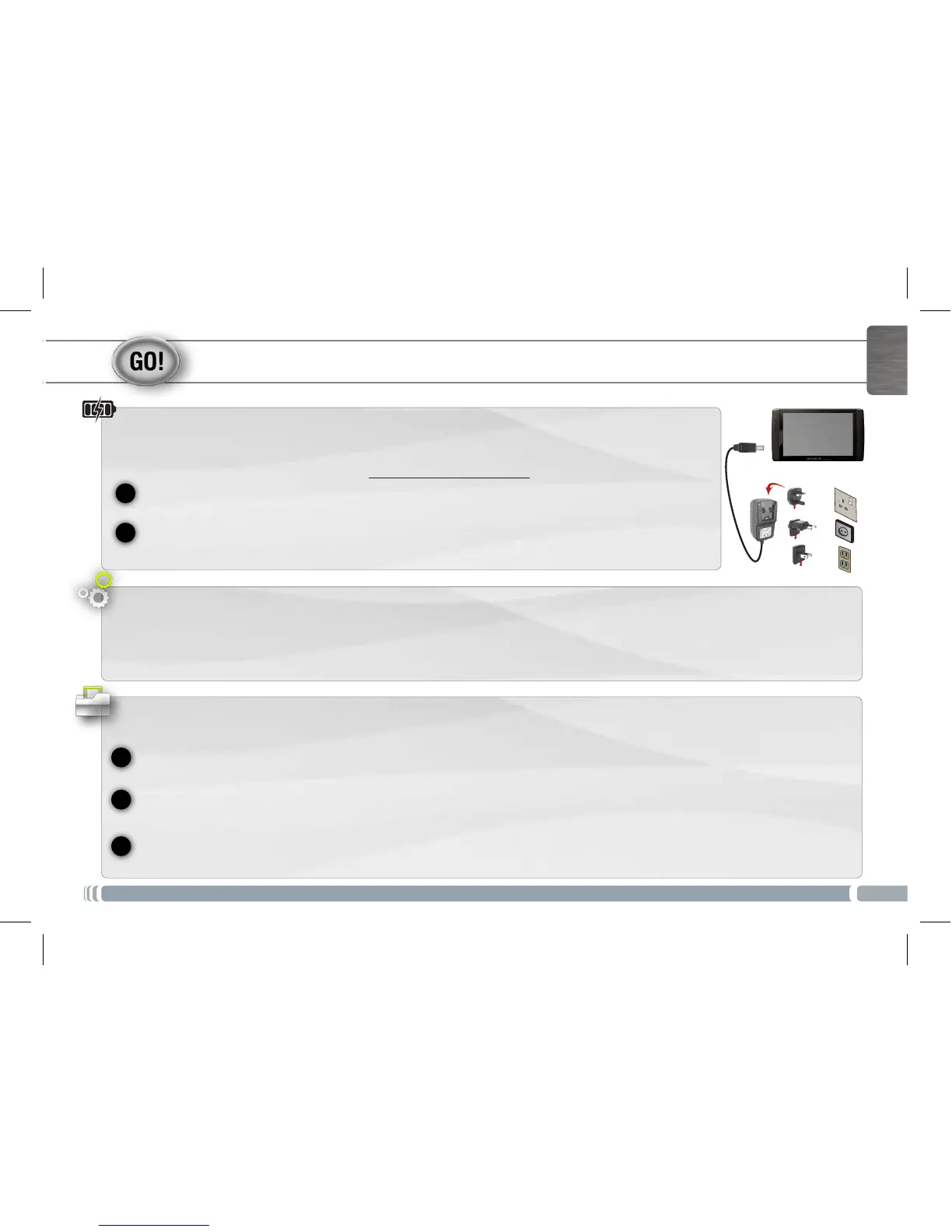
Before using your ARCHOS for the first time, completely charge the battery:
Connect the supplied USB cable to the ARCHOS and to the supplied USB power adapter.
Plug the USB power adapter into an outlet. The ARCHOS device will turn on and start charging.
The charging indicator light is on when the battery is charging. It will blink when the battery is charged.
IMPORTANT: Only charge your device with the USB power adapter.
Startup Wizard
The first time you start up your ARCHOS, the installation wizard will bring you through a few screens to help you set up the principal
settings: Language, country, time, etc.
Transferring files to your ARCHOS
Connect the supplied USB cable to the ARCHOS and to a running computer. The ARCHOS will turn on and ask you if you want to
connect it. Tap on Mount to connect it. Within a few seconds the ARCHOS will appear as an icon on your computer.
You can transfer your media files to the ARCHOS either by copy/pasting them into the respective folders using Windows®
Explorer (or the Finder on a Mac®), or by using Windows Media® Player (Sync tab).
Once all your file transfers are finished, close Windows® Explorer and any other program that may have read or written to the
ARCHOS. Click on the ‘safely remove’ icon in the system tray, next to the clock. You can now unplug the USB cable.
UserGuide_Archos80 G9_book.indd 3 17/06/2011 12:57:18



 To Next Page