3
ENEN
Getting Started
TIP:
To receive more complete service, please register your product.
From a computer, go to www.archos.com/register.
Charging
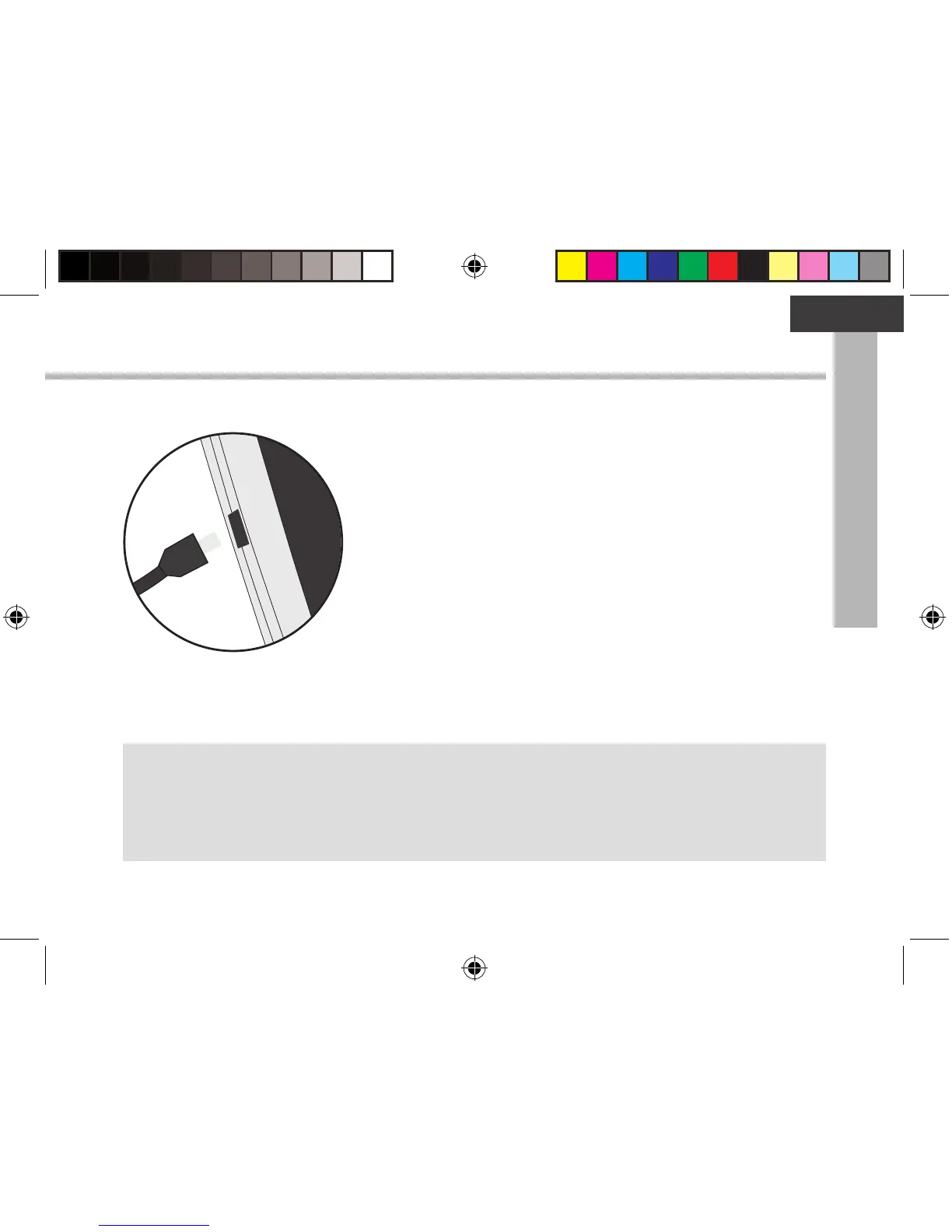
1. Charge your device by plugging your power cable into the
micro-USB port. The ARCHOS device will start charging.
2. Press the Power button to turn on the device.
The charging indicator light is on when the battery is
charging.
- You can use your ARCHOS whilst it charges.
- Let your device charge completely the rst time you use it.
- Use only the supplied charger.
When your device is completely discharged, you need
to charge it for at least 10 minutes before the charging
battery icon can be displayed.
UserGuide_ARCHOS90b_Neon_book.indd 3 12/09/2014 18:56:14


 To Next Page