11
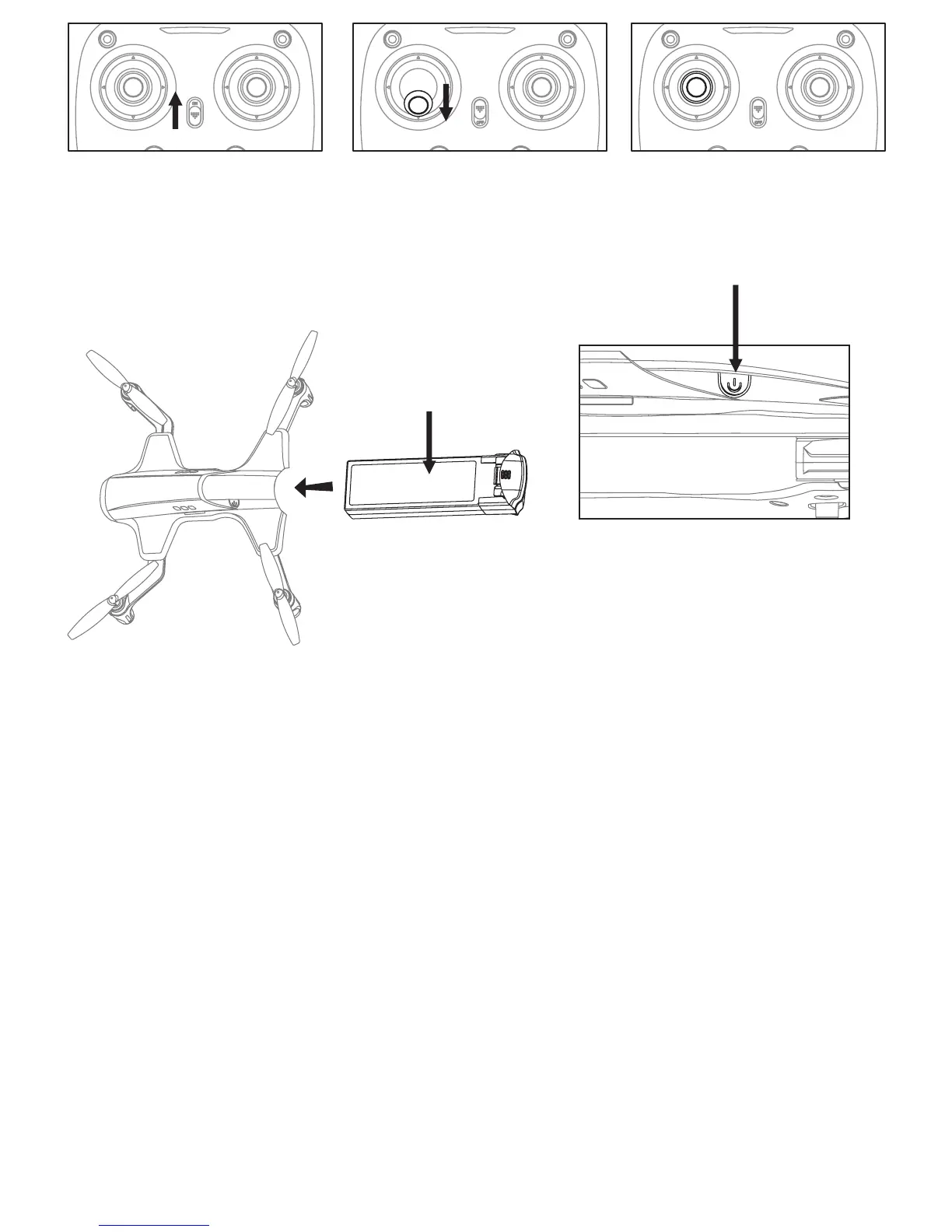
Picture 1
Picture 3
Picture 2
2. Install the Lipo battery into the drone, power on the drone.
(Press for about 2 seconds).
3. Put the drone on the flat surface, the drone body
lights turn from flashing to solid bright, which indicates
successful frequency pairing.
Important Notice: Please make sure the drone is placed
on the horizontal position after powering on the drone,
so that the drone can work well.
Picture 4


 To Next Page