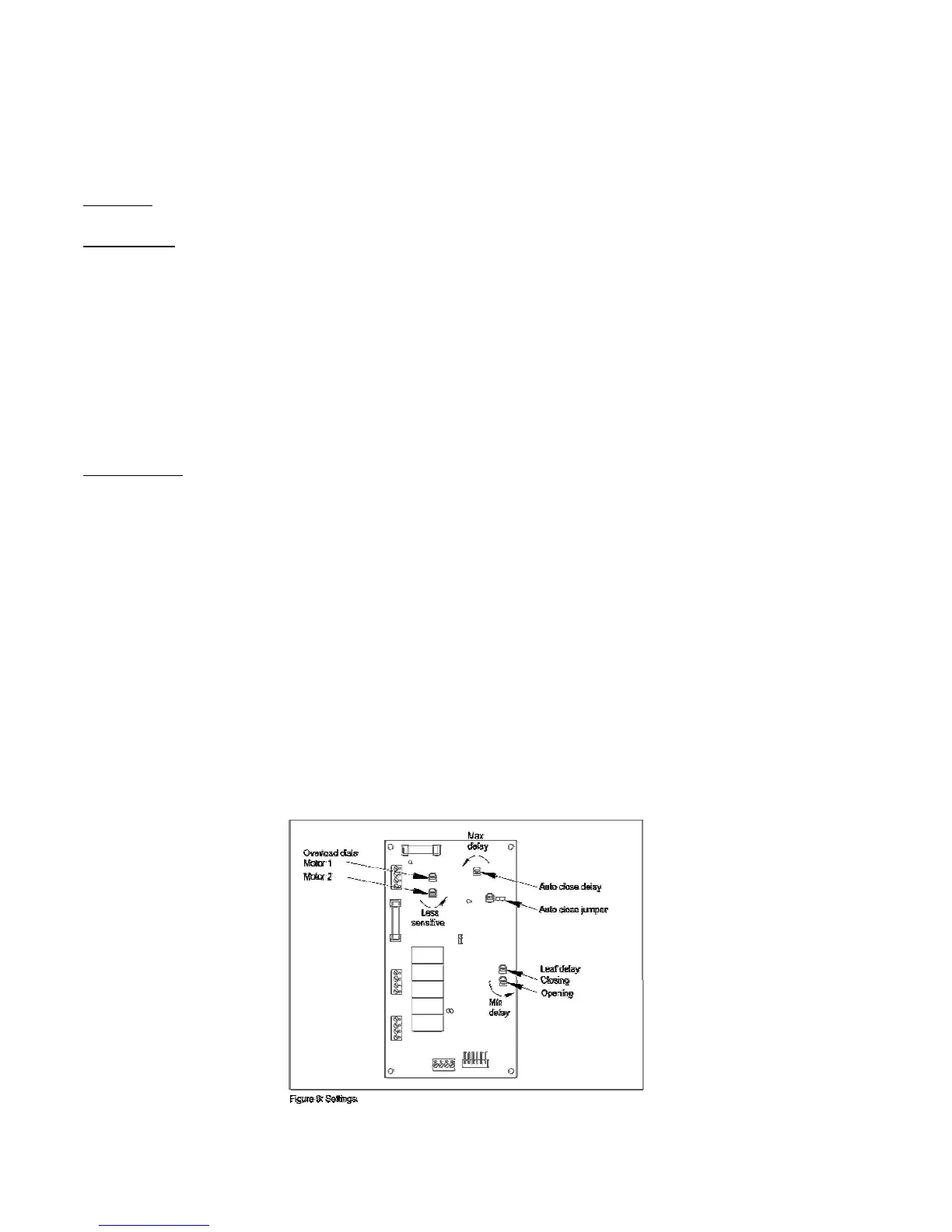
Settings
Auto Close
The operator control board is supplied with a “JUMPER” installed on a three-pin block. This
allows the gate to automatically close after a specific period. This period is adjustable.
(Refer to figure 9).
• Turn ‘Auto Close delay’ dial (Trimpot) Anti-clockwise to increase the hold open time
delay before gate closes automatically.
• Turn/dial trimpot clockwise to shorten the hold open time delay before gate closes
automatically.
Travel Time
There is a “Travel Timer” and a yellow LED and trimpot dial located to the left of the Auto
close Jumper. This should be set to approximately 5 to 10 seconds after full operation after
gate(s) reach full travel on limit switches in OPEN and CLOSED position (See figure 10).
Travel time can be adjusted by turning dial/trimpot Anti-clockwise to extend travel time and
vice-versa.
Green LED – Open Position (Located above relay 4)
Red LED – Close Position
This “JUMPER” fits onto any two of three pins
• If fitted on pins 1 and two the gate is set to close automatically.
• If fitted on pins two and three the gate will require a signal to close
• If there is no “JUMPER” or it is lost the gate will close automatically.
LI-2B Installation Manual



 To Next Page