EasyManua.ls Logo

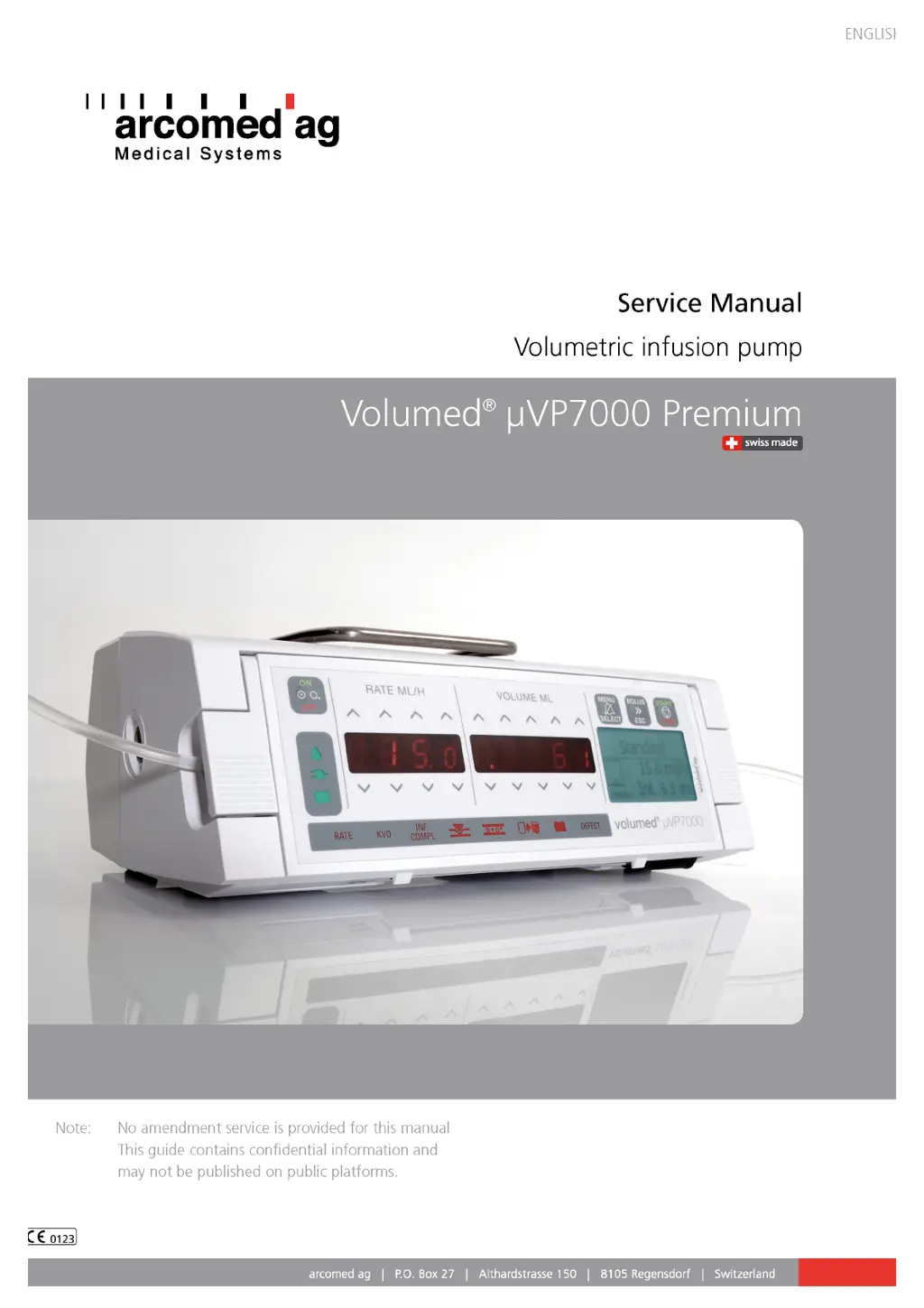
Arcomed Volumed uVP7000 Premium - User Manual

Arcomed Volumed uVP7000 Premium
53 pages
Print Icon
To Next Page IconTo Next Page
Loading...
!
Edition 04/16

Questions and Answers

Summary

1 Technical description

2 Setup Mode

Basic Settings

Details on basic pump settings, calibration, and default values.

3 Trouble shooting

4 Defect Alarms

Meaning of error codes

Explanation of various error codes (F-00 to F-25) and their causes/measures.

5 Repairs

Replacement of Main PCB

Step-by-step guide for replacing the main printed circuit board.

6 Initialisation and Updates

SW Update

Instructions for updating the pump's software using PremiumLinkâ„¢.

SW Update after replacement of Display pcb

Procedure for updating software after replacing the display PCB.

SW Update after replacement of Main pcb

Procedure for updating software after replacing the main PCB.

7 Calibration

Pressure Sensor

Mechanical and software adjustment for the built-in pressure sensor.

Upstream Occlusion Pressure Sensor

Procedure for mechanical and software adjustment of the upstream occlusion sensor.

Calibration of infused volume (speed tuning)

Process to calibrate the pump's volume delivery accuracy via speed tuning.

8 Maintenance

Arcomed Volumed uVP7000 Premium Specifications

General IconGeneral
BrandArcomed
ModelVolumed uVP7000 Premium
CategoryWater Pump
LanguageEnglish

Related product manuals