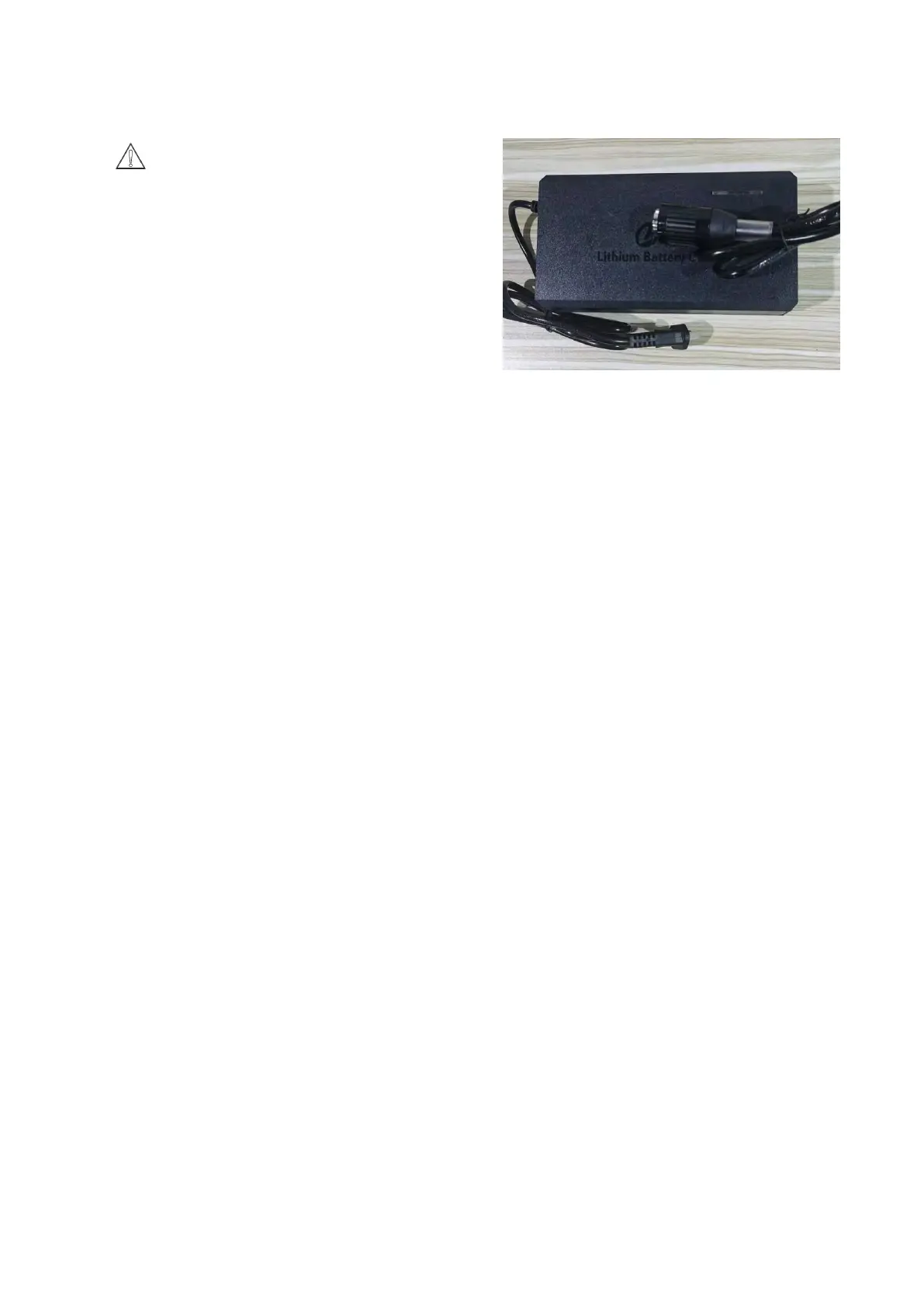
Pic 6-8
7.0 Maintenance
1、Daily maintenance and maintenance
(1)Remove the pad/brush plate and wipe it clean with a specific cleaner.
(2)Drain the recovery and solution tanks and rinse them with clean water. Check recovery tank for debris
and remove immediately.
(3)Lift the squeegee assembly off the ground and wipe the squeegee with a damp towel.
(4)Wipe the machine clean with a specific cleaner.
(5)Charge the battery.
(6) Check whether the edge of the scraper is sharp. If it is damaged, please turn it over and use it or
replace it.
2、Monthly maintenance and maintenance
(1)Check for loose or corroded battery connections.
(2)Lubricate all lubrication points and shafts with a specific lubricant.
(3)Check for loose machine fasteners.
(4)Check the water tank for leaks. Check the sealing strip of the waste water tank cover and replace if
damaged.
3、Machine storage
(1)Store indoors in a dry place.
(2)Store upright.
(3)If the storage place is extremely cold, the machine needs to be kept completely dry before storing to
avoid damage caused by low temperature.
(4)Drain the recovery and solution tank
6-8 Battery charging:
Notice:Must use the battery charger approved
and provided by the company(Pic 6-8), Using an
incompatible charger may damage the battery and
possibly result in a fire. When charging, both batteries
must be charged together.
Correct charging steps:
1.Transport the machine to a well-ventilated area.
2.Park the machine in a dry level place and turn off the
main power.
3.Plug the DC cable plug of the charger into the
charging socket of the machine.
4.Connect the charger's AC power cord into a properly
grounded outlet.
5.The charger will start charging automatically, and the
charging time is about 2 hours and 30 minutes。
6.After the charging cycle is complete, unplug the AC
power plug from the outlet first, then unplug the DC
charging plug from the machine.


 To Next Page
 Loading...