2h
6h
8h
12h
2h
6h
8h
12h
USAGE(CONT.):
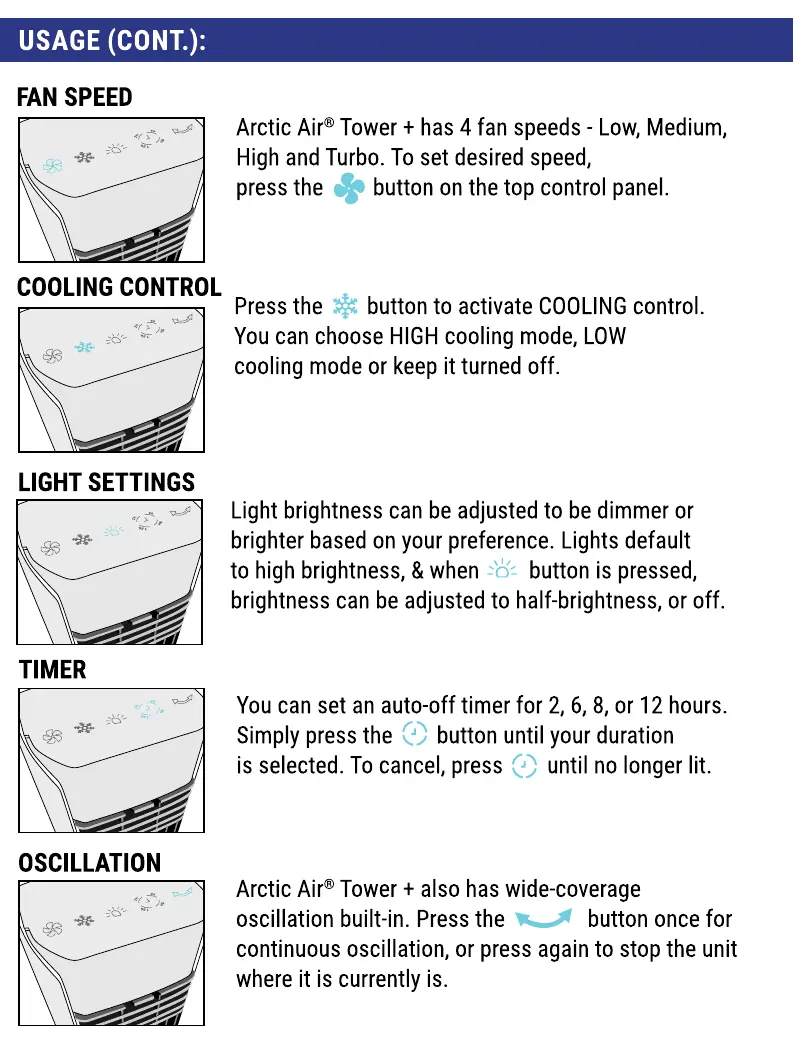
FAN SPEED
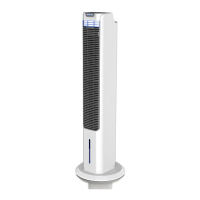
Arctic Air@Tower + has 4 fan speeds - Low, Medium,
High and Turbo. To set desired speed,
press the button on the top control panel.
COOLING CONTROL
Press the button to activate COOLING control.
You can choose HIGHcooling mode, LOW
cooling mode or keep it turned off.
LIGHT SETTINGS
TIMER
OSCILLATION
Light brightness can be adjusted to be dimmer or
brighter basedon your preference. Lights default
to high brightness, & when button is pressed,
brightness can be adjusted to half-brightness, or off.
You can set an auto-off timer for 2, 6, 8, or 12 hours.
Simply press the button until your duration
is selected. To cancel, press until no longer lit.
Arctic Air@Tower + also has wide-coverage
oscillation built-in. Press the button once for
continuous oscillation, or press again to stop the unit
where it is currently is.



 To Next Page