6-19
6
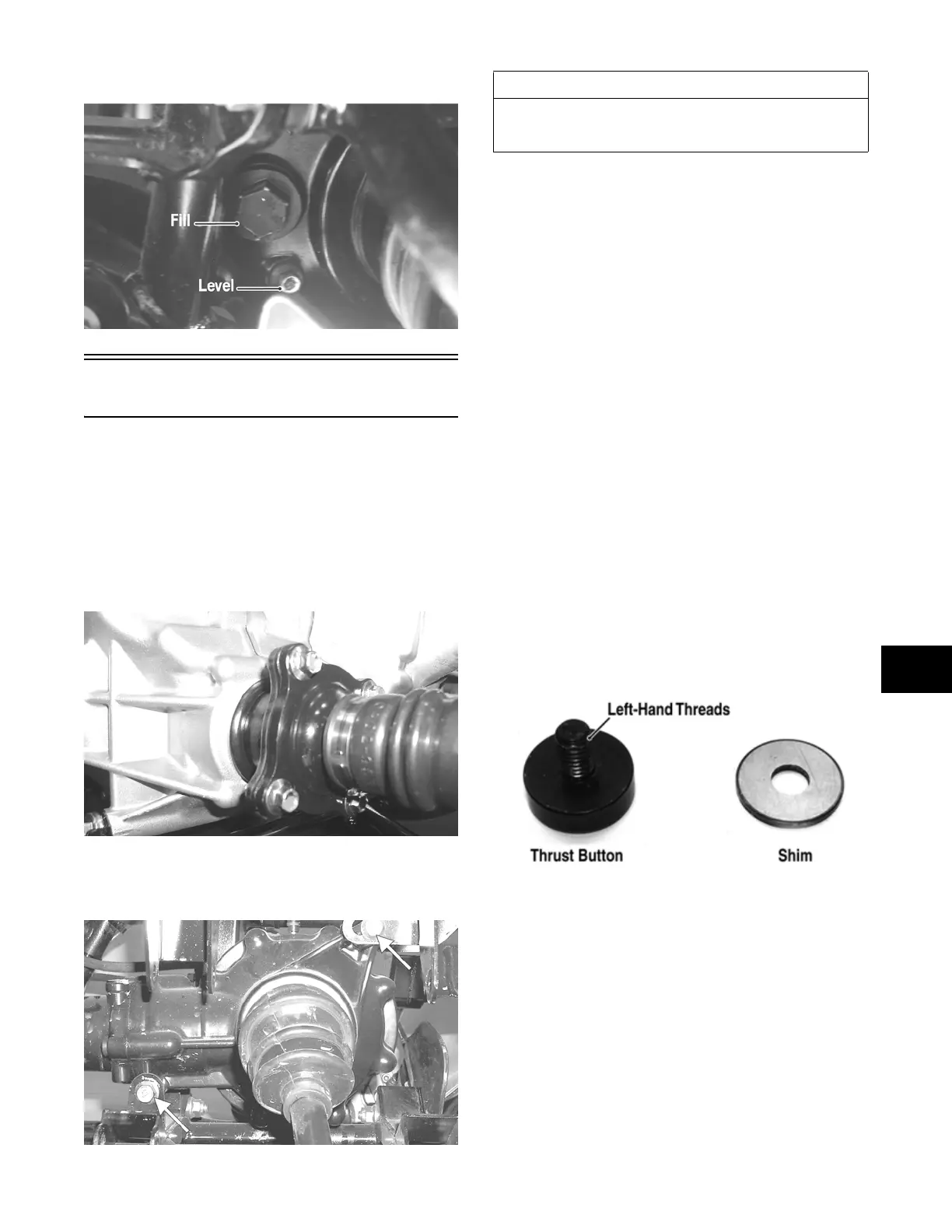
9. Check the front differential oil level and add oil as
necessary.
CF113A
Rear Gear Case
REMOVING
1. Remove the left-side rear A-arms (see Rear A-Arms
in Section 7).
2. Remove both of the rear drive axles (see Drive Axles
in this section).
3. Remove the four cap screws securing the engine out-
put shaft to the rear gear case input flange.
CD028
4. Remove the two cap screws and lock nuts securing
the rear gear case to the frame; then remove the gear
case through the left side.
AF960A
RING GEAR/THRUST BUTTON
Removing
1. Remove the cap screws securing the gear case cover
to the gear case; then remove the ring gear.
2. Remove the thrust button from the gear case cover
(left-hand threads). Account for a shim.
Inspecting
1. Inspect the ring gear for excessive wear, missing or
chipped teeth, or discoloration.
2. Inspect the thrust button for excessive wear or dis-
coloration.
3. Inspect the bearings for discoloration, roughness, or
excessive wear.
NOTE: For servicing bearings or seals, see Front
Differential in this section.
Installing/Shimming
NOTE: Ring gear clearance must be adjusted prior
to selecting shim for the thrust button.
1. Install the thrust button with shim into the gear case
cover and tighten securely (left-hand threads).
GC057A
2. Place the ring gear with selected shim into the cover
and measure the ring gear to thrust button clearance
with a thickness gauge. Clearance should be
0.002-0.004 in.
AT THIS POINT
For servicing the input shaft, pinion gear, needle bear-
ing, ring gear, and axle seal, see Front Differential in
this section.
FOR ARCTIC CAT ATV DISCOUNT PARTS CALL 606-678-9623 OR 606-561-4983
www.mymowerparts.com


 To Next Page
 Loading...