18
The desired menu item can be selected by turning the volume control. The menu item is
marked with a red arrow in the process. You will arrive at the selected menu by pressing the
volume control or pressing the menu button.
Balance
The channel balance can be adjusted using the volume control. The display shows to what
degree the channels have been moved.
Basic volume
Opportunity to adjust the volume which will be automatically set when the full amplifier is
switched on.
Bass
Bass increase or reduction by +/- 18dB in 1.8dB increments
High frequencies
High frequency increase or reduction by +/- 12dB in 1.5dB increments
Input level
Increase or reduction of the input level +/- 12dB in 1dB increments. The input can be selected
using the Input- / Input+ buttons.
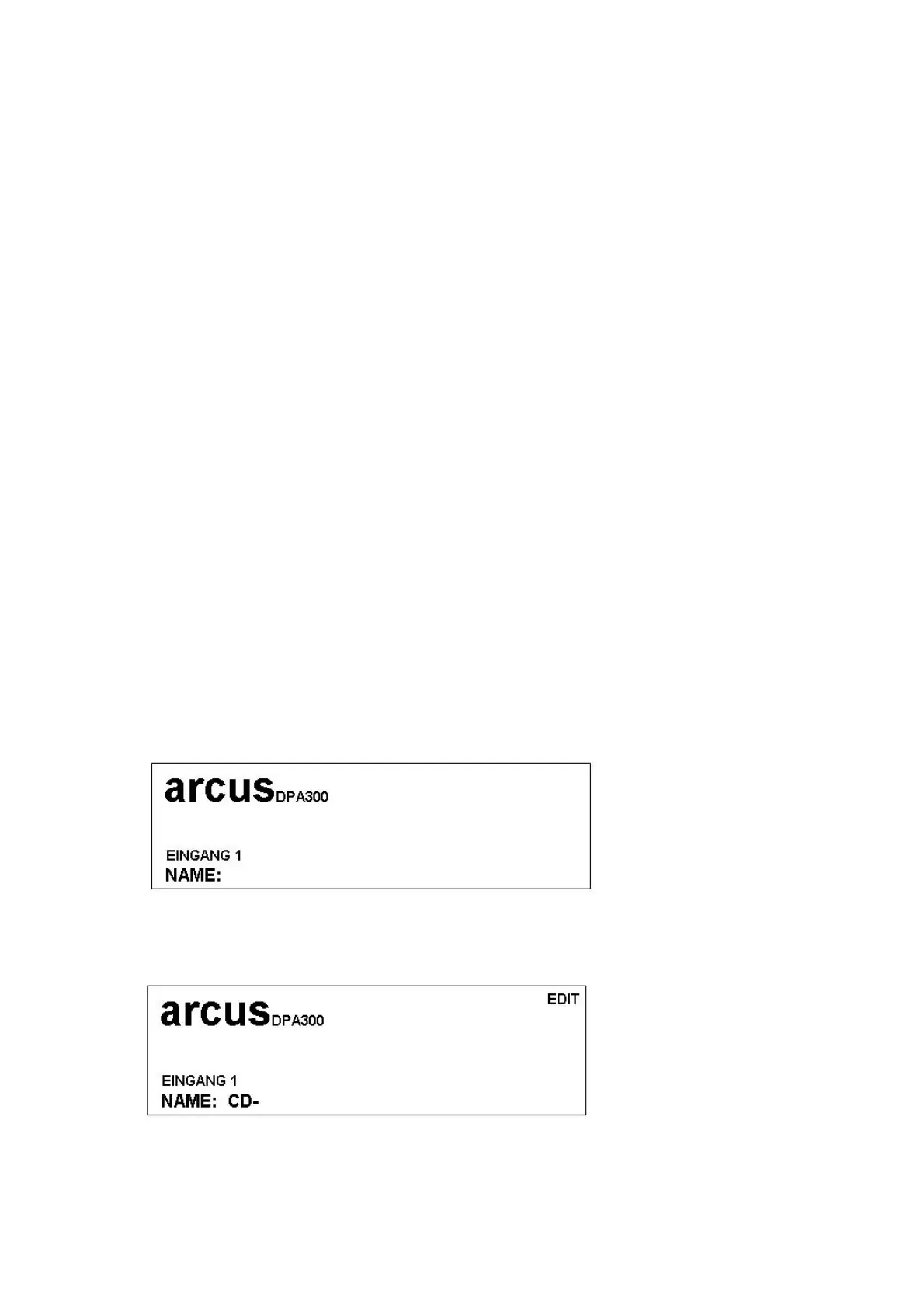
Input name
For easier identification, you can assign names to the individual inputs,
e.g. CD player or DAR300.
Press the volume control to arrive at the editing mode.


 To Next Page