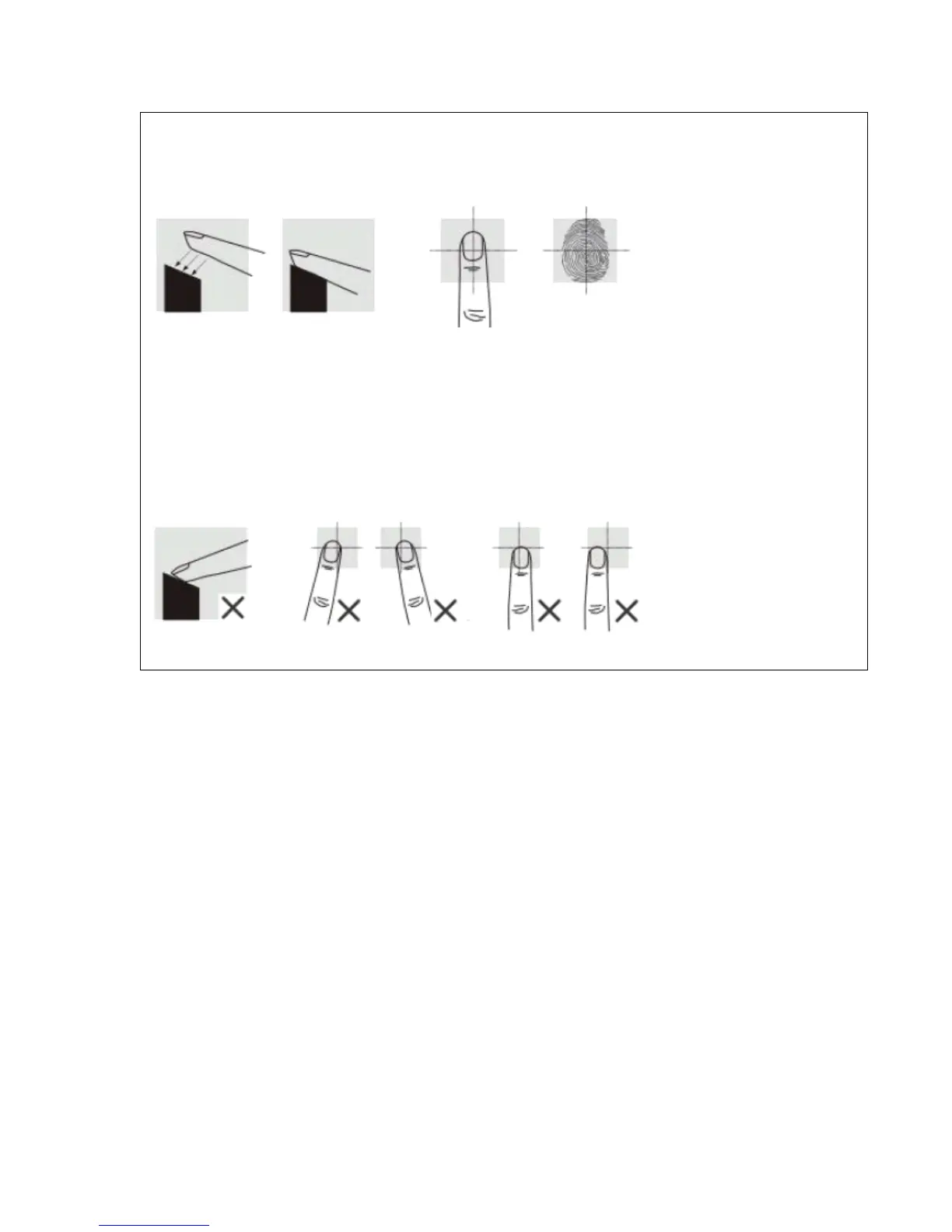
Place your finger on the sensor firmly with medium pressure. Make sure that finger is lying flat on
sensor and centered on fingerprint sensor.
If you hear a long beep and see blue light, the entry is successful! Two short beeps and red light
means entry has failed. If failed, repeat previous step within 5 seconds, otherwise start from beginning.
Correct Way:
Incorrect Way:
LET’S UNLOCK DOOR WITH THE FINGERPRINT YOU JUST ADDED!
The fingerprint sensor should activate automatically when you place your finger
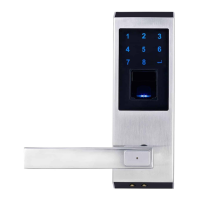
on the sensor, if not, press # button to active fingerprint sensor.
If the fingerprint is authenticated, you will hear one long beep and the keypad will
show blue light. Otherwise, you will hear two short beeps and the keypad will
show red light. If authentication fails, please change your finger position or angle
and put more pressure on the sensor, the sensor will try two more attempts if the
first try is rejected.
After three rejections, the fingerprint system will shut off. You need to lift your
finger at least 2 inches away from the sensor, then place finger back on sensor to
re-active the sensor
3



 To Next Page