ADD USER CODES (UNLOCK WITH NUMBER)
IMPORTANT NOTES:
⦁ You can add up to 100 user codes into the door lock. Each user is given a User ID
number from 0 to 99
⦁ If you should enter any mistakes in the middle of setup, you can wait over 5 seconds and
system will exit setup and discard the current entry.
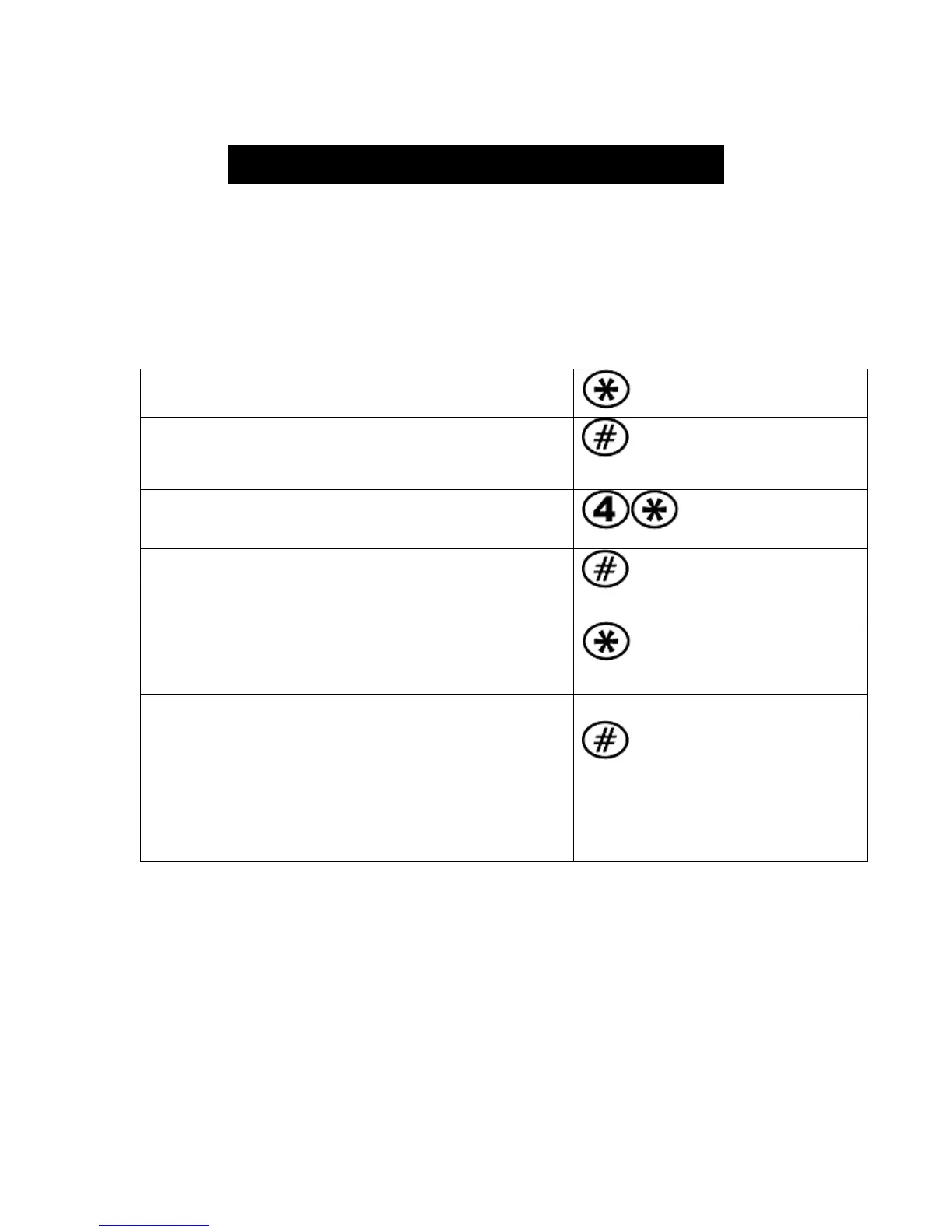
To start door lock setup, press *
Enter the Programming Code (password) that
you chose (or default code 1234) and then #
___ ___ ___ ___
To add a user code, press 4 and then * key
Enter the User ID number for the new user (0-99)
and then #
___ ___
Choose and enter your user code (which can be
4-12 digits long) and then press *
___ ___ ___ ___
Enter the user code again to verify it and then
press #
If you hear a long beep and see blue light, the
entry is successful! Two short beeps and red light
means entry has failed. Repeat if it fails.
___ ___ ___ ___
LET’S UNLOCK DOOR WITH THE USER CODE YOU JUST ADDED!
Enter user code on keypad then press #. When you press the first number of the
user code, press and hold the first number key until you hear a beep and the
keypad shows blue light.
5



 To Next Page