English - 12 -
Timeshift Recording
Pause
Play
Stop
Instant Recording
Record
Record
Stop
Watching Recorded Programmes
Recordings TV
OKOptions
OK button.
Note: Viewing main menu and menu items will not be available
during playback.
Stop
Recordings.
Slow Forward
Pause
Fast Forward
Fast Forward
SettingsTV>Recordings menu
OK.
Format Disk:Format Disk option for
Format Disk feature.
Note: Default PIN could have been set to 0000 or 1234. If you
have dened the PIN(is requested depending on the country
selection) during the First Time Installation use the PIN that
you have dened.
IMPORTANT:
If “USB disk writing speed too slow to record”
Media Browser
Media Browser
Sources
OKOK
Media Browser
Settings menu. Settings
Info button
Info
OK. Picture SettingsSound Settings
Media Browser Settings and Options
Only Sound Settings
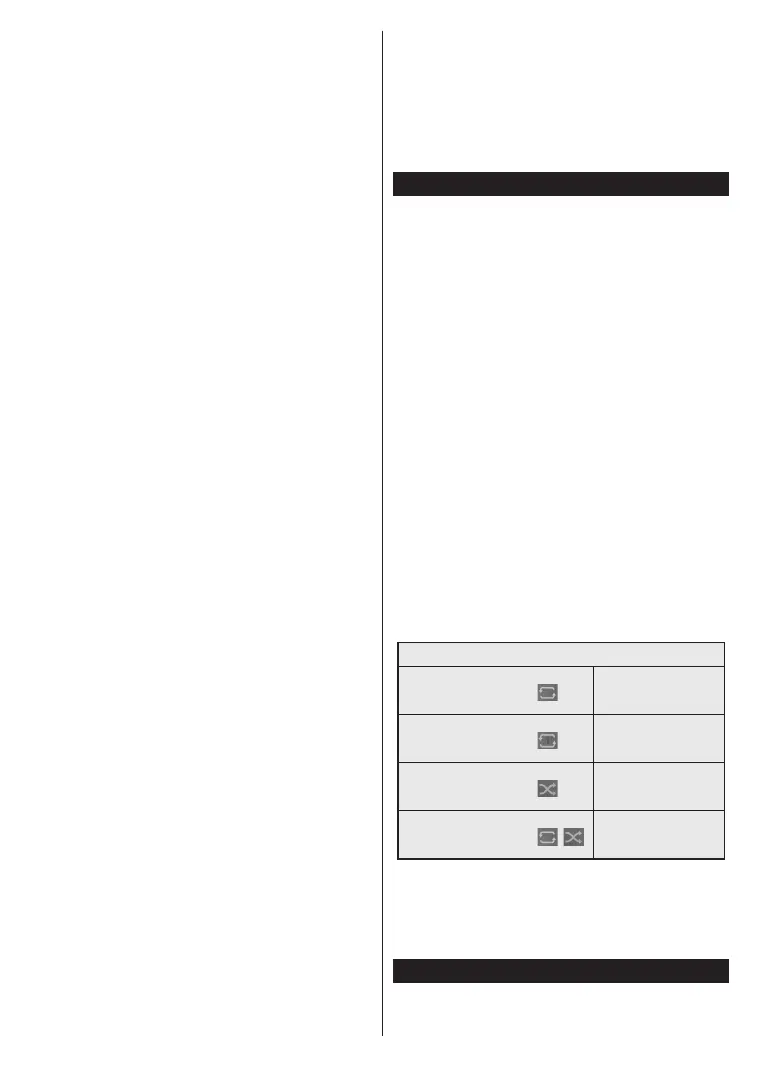
Loop/Shue Mode Operation
order
OK
OK
CEC


 To Next Page
 Loading...