EasyManua.ls Logo

Arena A43HDVS23 - Settings Menu Navigation; Picture Settings

Arena A43HDVS23
Print Icon
To Next Page IconTo Next Page
To Previous Page IconTo Previous Page
Loading...
English - 14 -
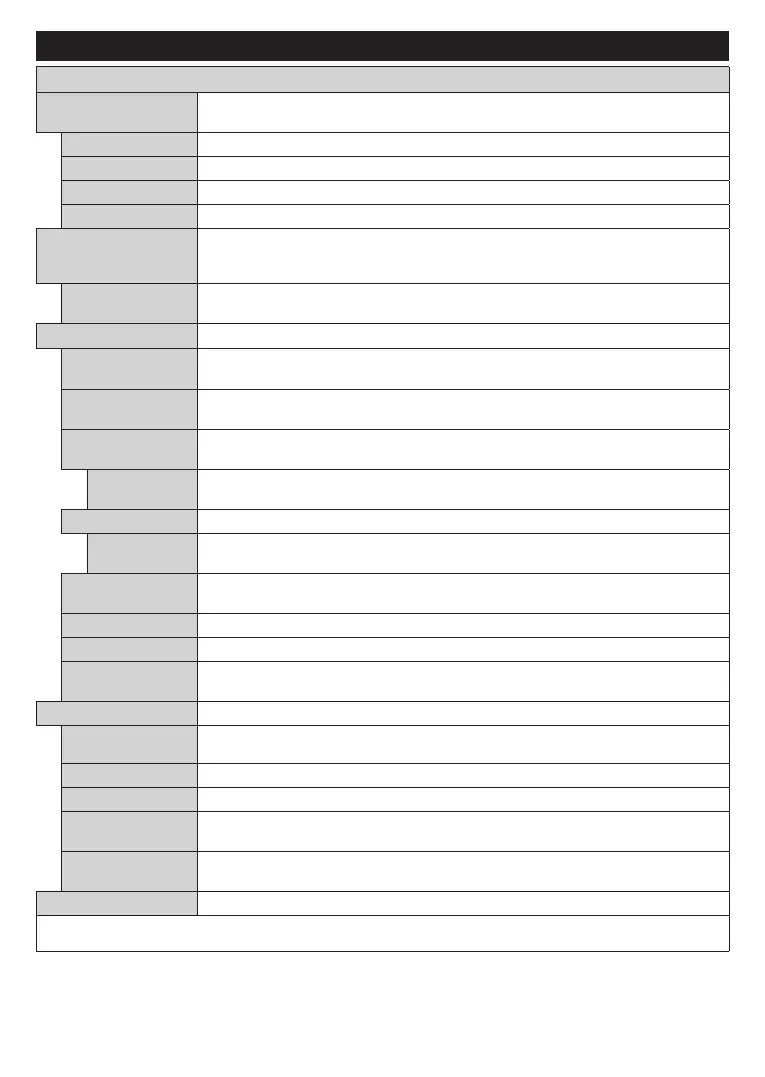
Settings Menu Contents
Picture Menu Contents
Mode

CinemaGameSportsDynamic and Natural.
Contrast

Brightness

Sharpness

Colour

Energy Saving
   Energy Saving to Custom Minimum Medium Maximum Auto
󰀨 or 󰀨.
Note: Available options may dier depending on the selected Mode.
Backlight
   
Energy SavingCustom.
Advanced Settings
Dynamic
Contrast

Noise Reduction
Noise Reduction

Colour Temp
CoolNormalWarm and Custom
are available.
White Point
Colour TempCustom

Picture Zoom

Picture Shift
Picture Zoom
OK.
Film Mode
󰀨

Skin Tone

Colour Shift

HDMI Full Range



Autoposition

OK
H Position

V Position

Dot Clock


Phase


Game
While in VGA (PC) mode, some items in Picture menu will be unavailable. Instead, VGA mode settings will be added to the Picture menu
while in PC mode.

Table of Contents

Related product manuals