24
2. Click songs, also can click artist, album or song list.
3. Choose one song to play.
Add songs to the new playlist
1. Click music.
2. Click songs.
3. Hold the song you want to add to the playlist.
4. With music setting menu being pop up, click add to play lists.
5. Click New.
6. Input a name for the playlist.
7. Click Save.
Delete songs in the playlist
1. Click music.
2. Click songs.
3. Hold the song which you want to delete in the playlist.
4. With music setting menu being pop up, click "delete ".
6.3 Camera
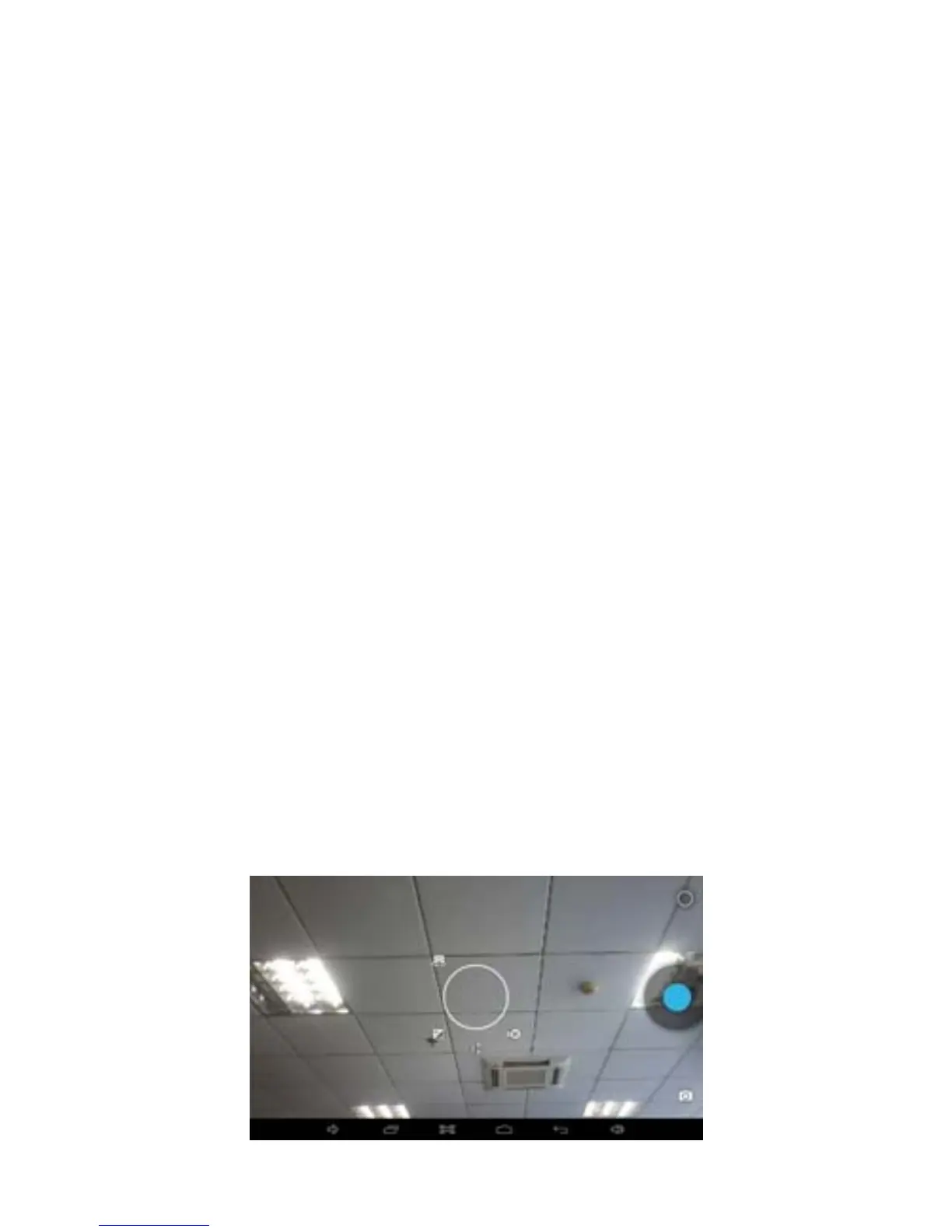
Photo taking function
1. Click Camera.
2. The system enters the Camera interface.
3. Click Shoot button to have photos taken easily.
4. Other functions like sizes, storage locations, white balance and focusing
adjustment can be set as well.
5. After finishing taking a photo, flick left for photo preview.



 To Next Page