30
8.2 Calculator
1. Click calculator.
2. Enter into the basic calculator panel.
3. Press the Menu button, and click the advanced panel.
4. Touch the digital panel or operators on the counter to calculate.
Skills: You can slide the screen to change basic panel to advanced panel.
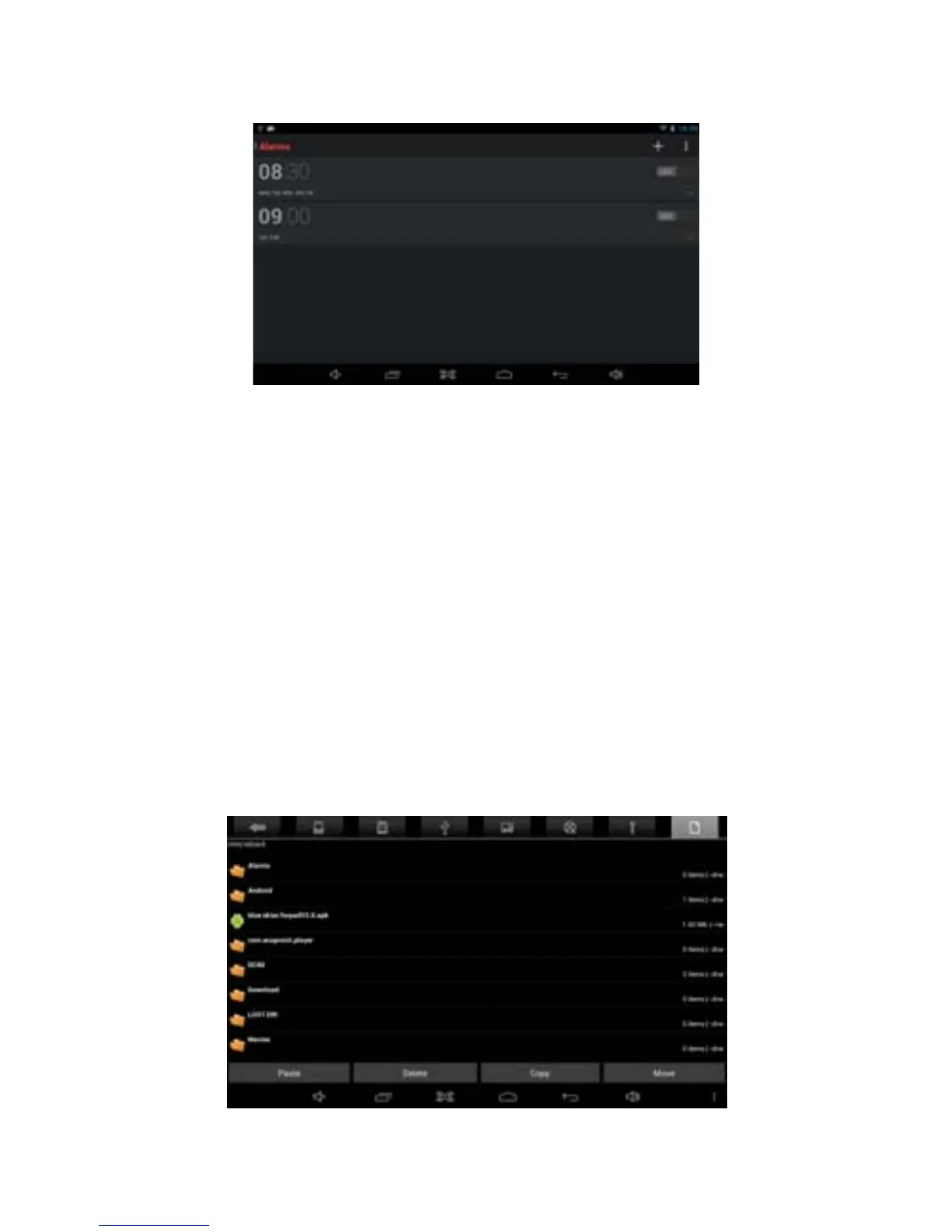
8.3 Explorer
Browse the file
Slide the screen to look for the File Manager
You can use the file browser to manage editing/deleting files and folders and
establish file sharing and FTP servers to achieve resource sharing.
Cut and copy files



 To Next Page