27
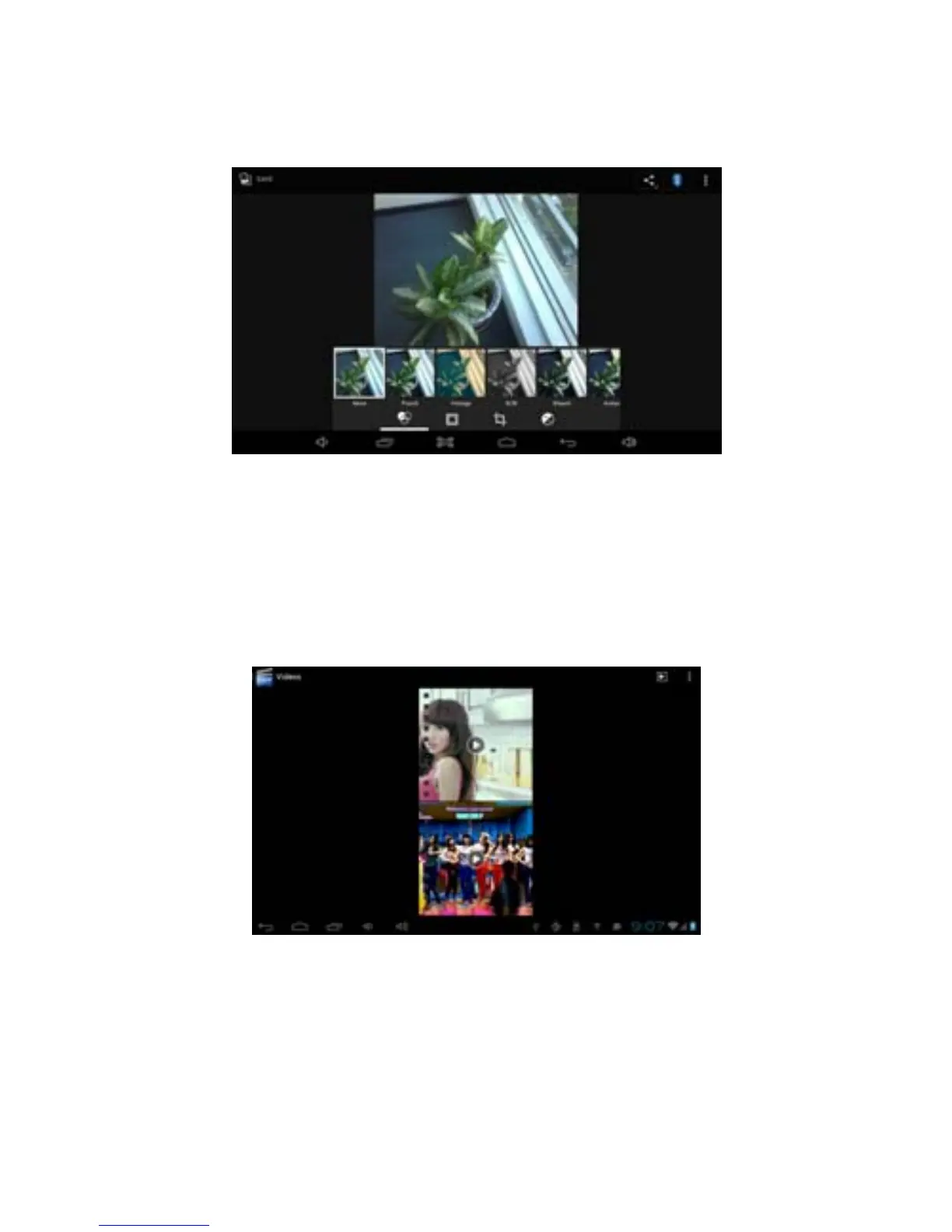
2. Choose effect
3. Press save icon on upper left corner
Video preview and play
Operating the Gallery application, you can scan all video files in the MID and in
the USB device (including TF card), as well as previewing playable video files.
Click one of them to play.
In the video preview interface, press Menu button, with the function window
appearing for editing video files as is shown below
6.5 HDMI
HDMI high-definition video interface
Use a standard HDMI cable to connect MID with high definition television.
This interface supports GHEST 080P resolution.
1. MID is in boot state.



 To Next Page